Split a cabin trip without the awkward math.
Put the house, food and firewood in one pot. Gas stays with each car.

One pot for what everyone uses
Six friends for a weekend. The cabin, the groceries and the firewood are shared by all.
How to split trip costs with friends →The shared pot for six
Gas stays with the car
Each car splits its own fuel between the people riding in it. Here that is $45 between three.
How to split gas on a road trip →One person's weekend
If one bedroom is much better
Agree a small premium before anyone picks. Two in the main bedroom pay more than four in bunks.
How to split an Airbnb →$900 cabin with uneven rooms
What to keep out of the pot
Shared means everyone used it. Leave the rest with whoever wanted it.
When people stay different nights →- 1Drinks. Own tab if some are not drinking
- 2Gear rental. Whoever rented it
- 3Arriving late. Pay by nights stayed
- 4Deposit. Back to whoever paid it
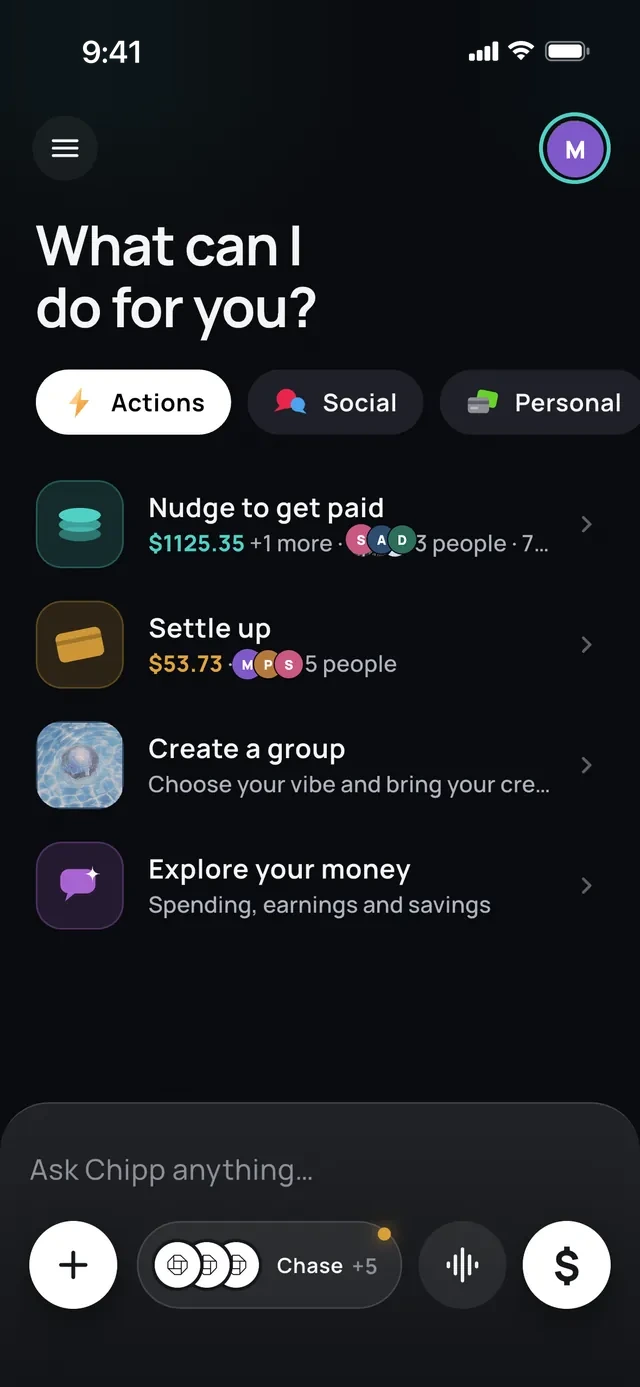
Add it as you go
Whoever pays adds it on the spot. By Sunday night everyone has one number to settle.
split $240 groceries with the cabin group
Done. $40 each for six.
1 of 6
Add an expense in seconds.
Chat-first interface
A chat-first interface.
Tell Chipp what you paid for. It does the math and reminds everyone for you.
 Chipp
split $84 sushi with Maya and Jo
Done. $28 each
I'll remind them for you
Jo just paid you $28
Receipt scanning
Scan the receipt.
Chipp reads every item and everyone claims their own.
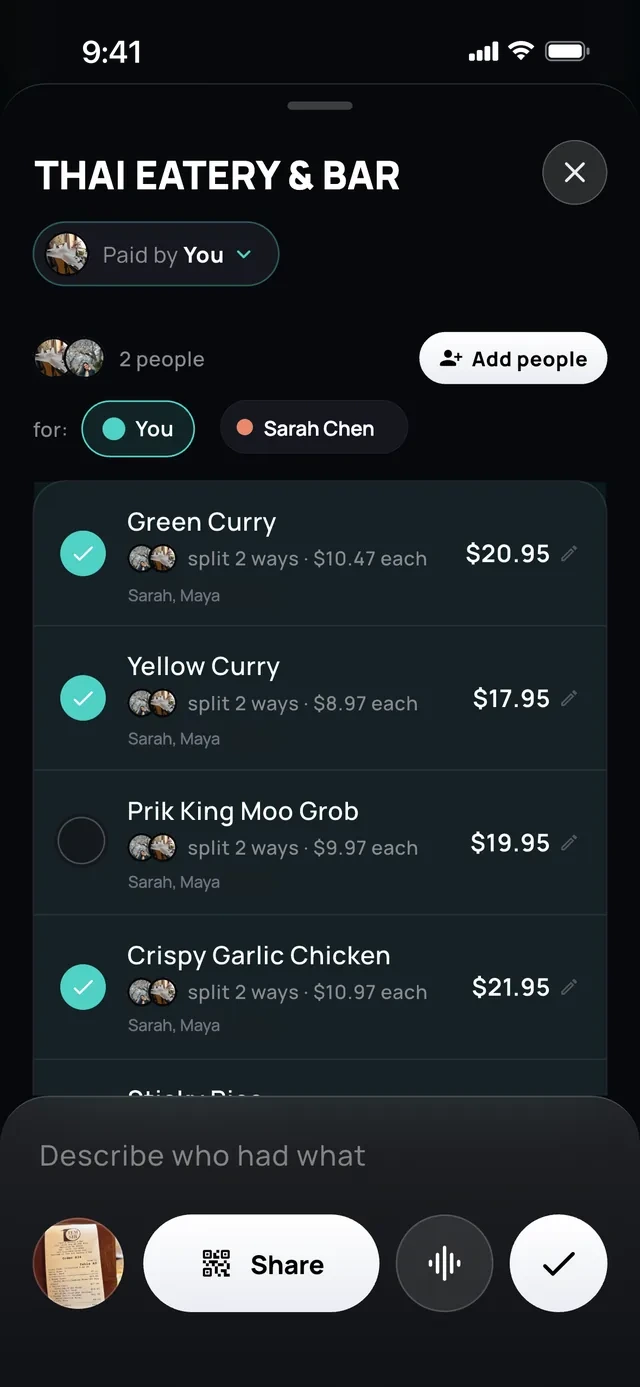
- 1Tap what you had
- 2Or describe who had what
Linked cards
Forgot to add it?
Split it straight from your card transactions.
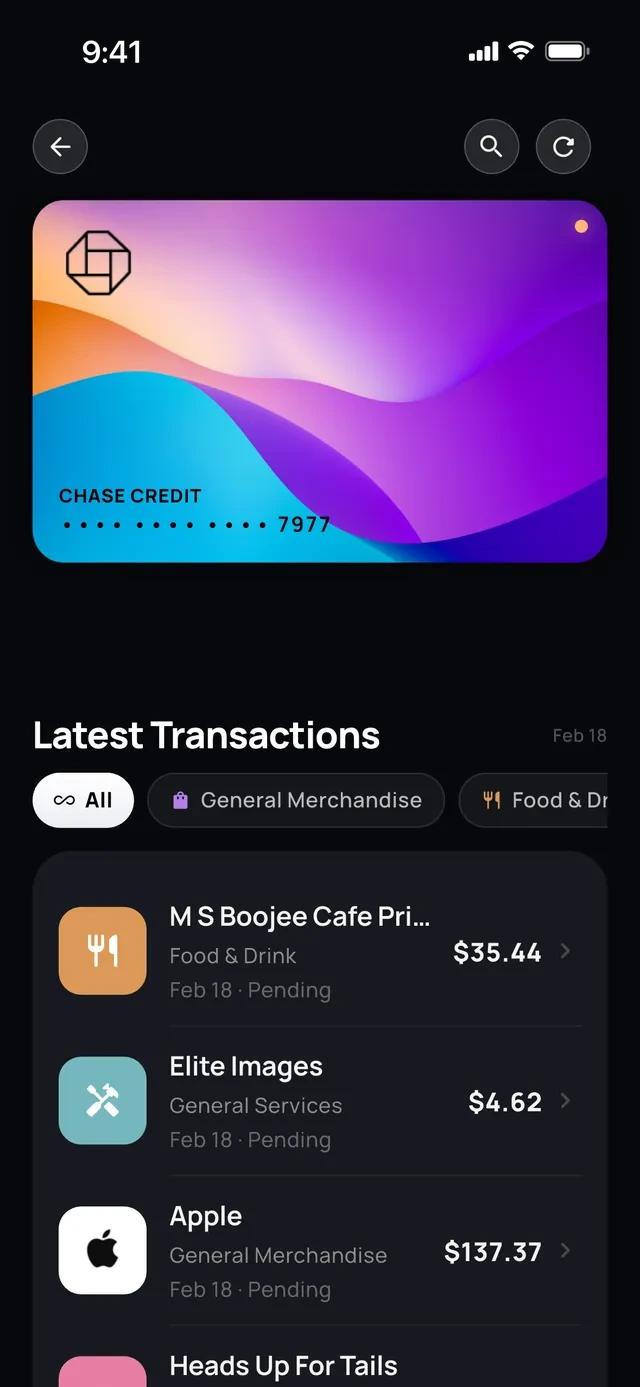
- 1Your card charges
- 2Pick one and split it
Split it your way
Even. Exact. Itemized.
Split equally, by exact amounts or item by item.
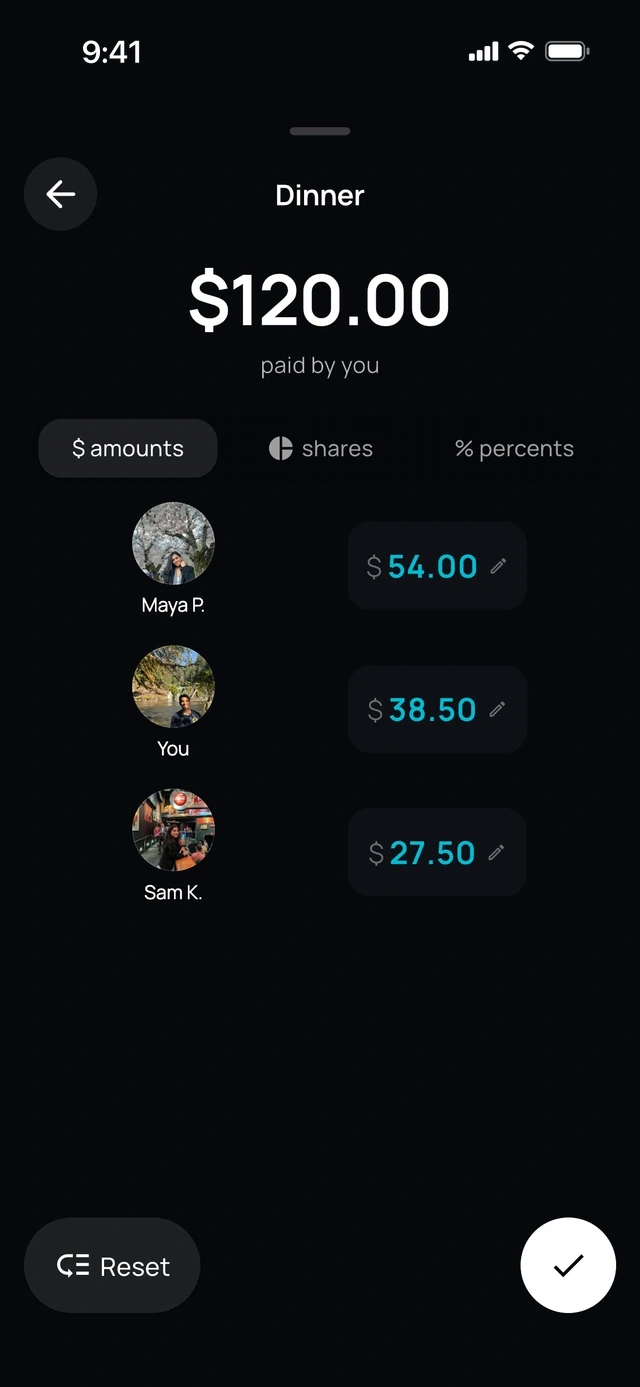
- 1Amounts, shares or percent
- 2Each person's own amount
Any currency
Rupees on the trip, dollars at home.
Split in 104 currencies.
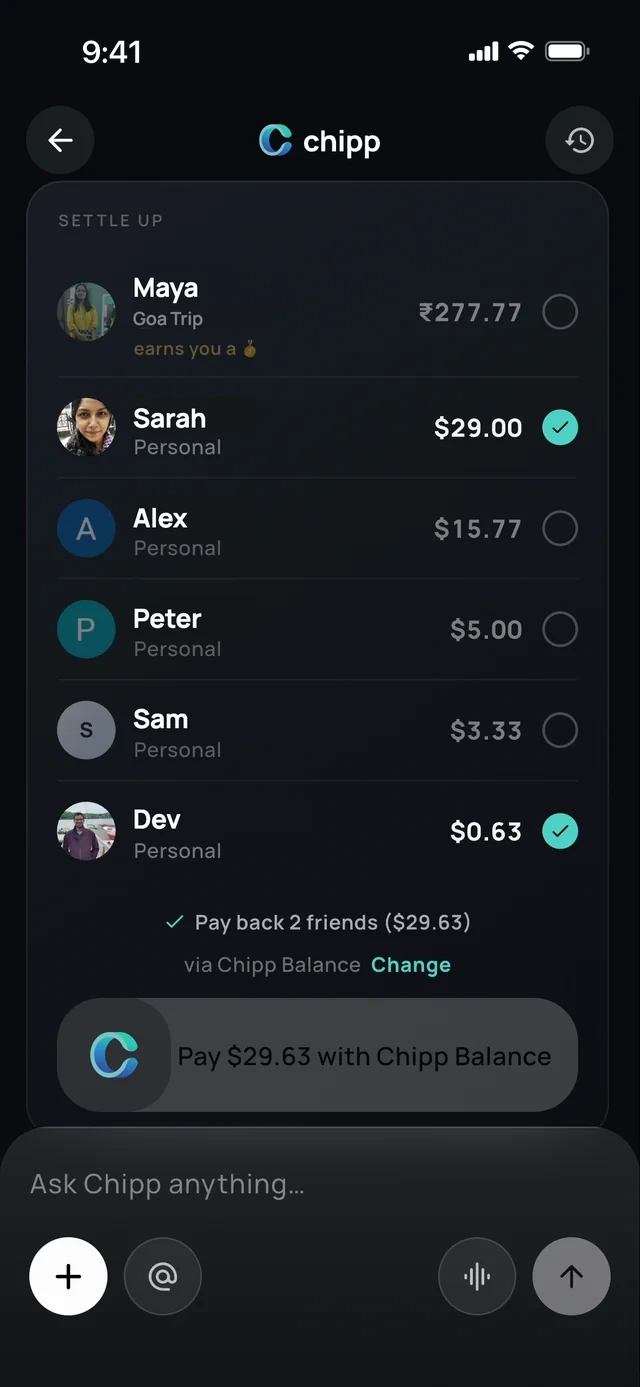
- 1Rupees for the trip
- 2Dollars at home
Recurring, on Chipp+
Set it once and it repeats.
Rent, wifi, the group  Netflix.
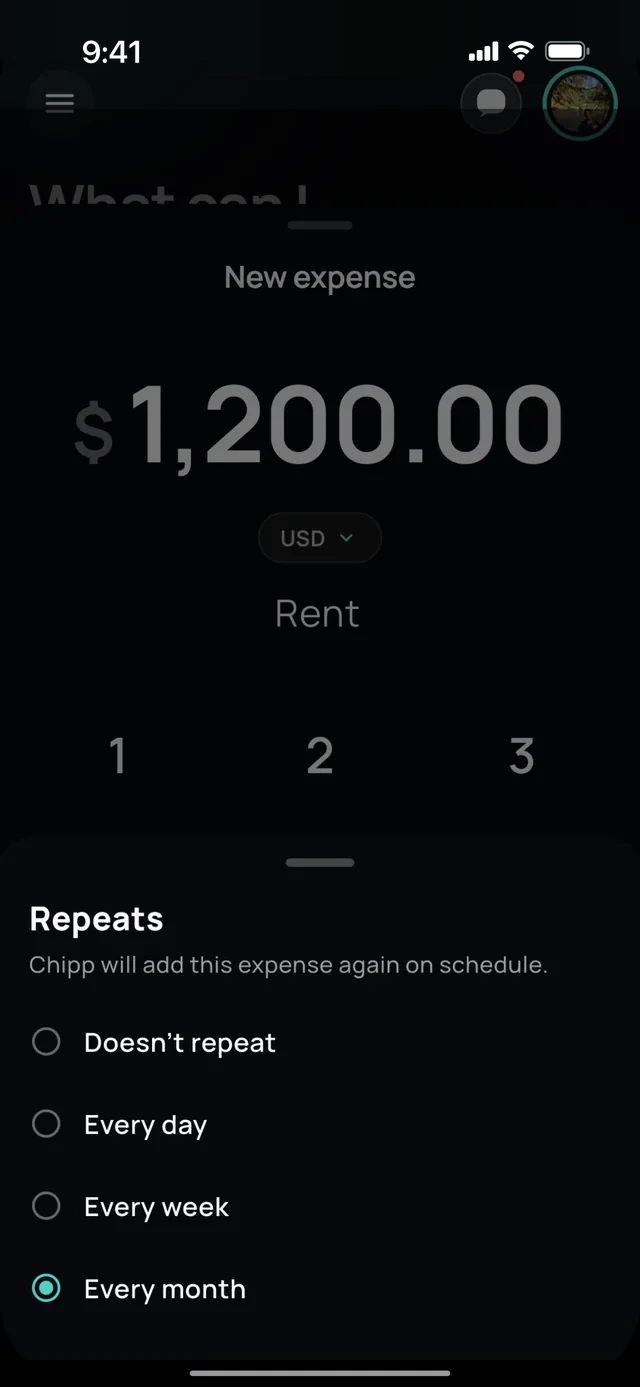
- 1Choose how often
- 2It adds itself each month
2 of 6
Chipp knows your numbers.
Ask Chipp
Ask about your spending.
Get the answer with a chart.
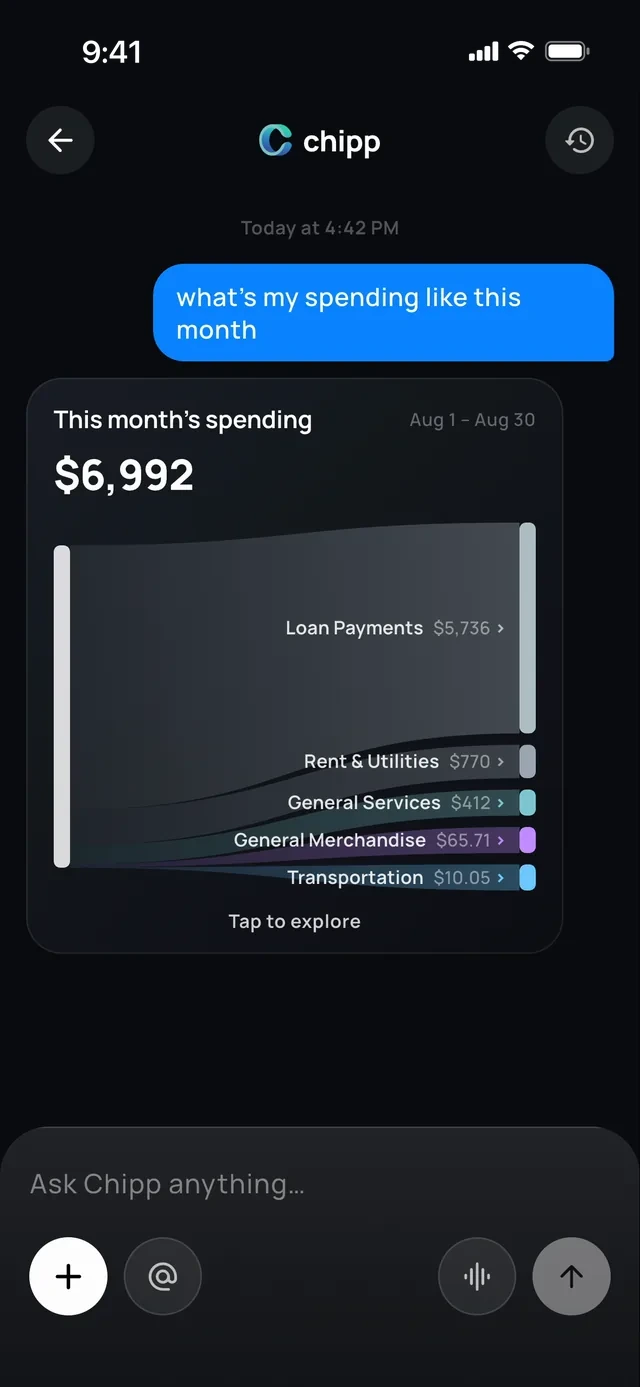
- 1Ask in plain words
- 2The answer is a chart
Chipp in iMessage
Text Chipp like a friend.
Ask who owes you, split a bill or send a reminder.
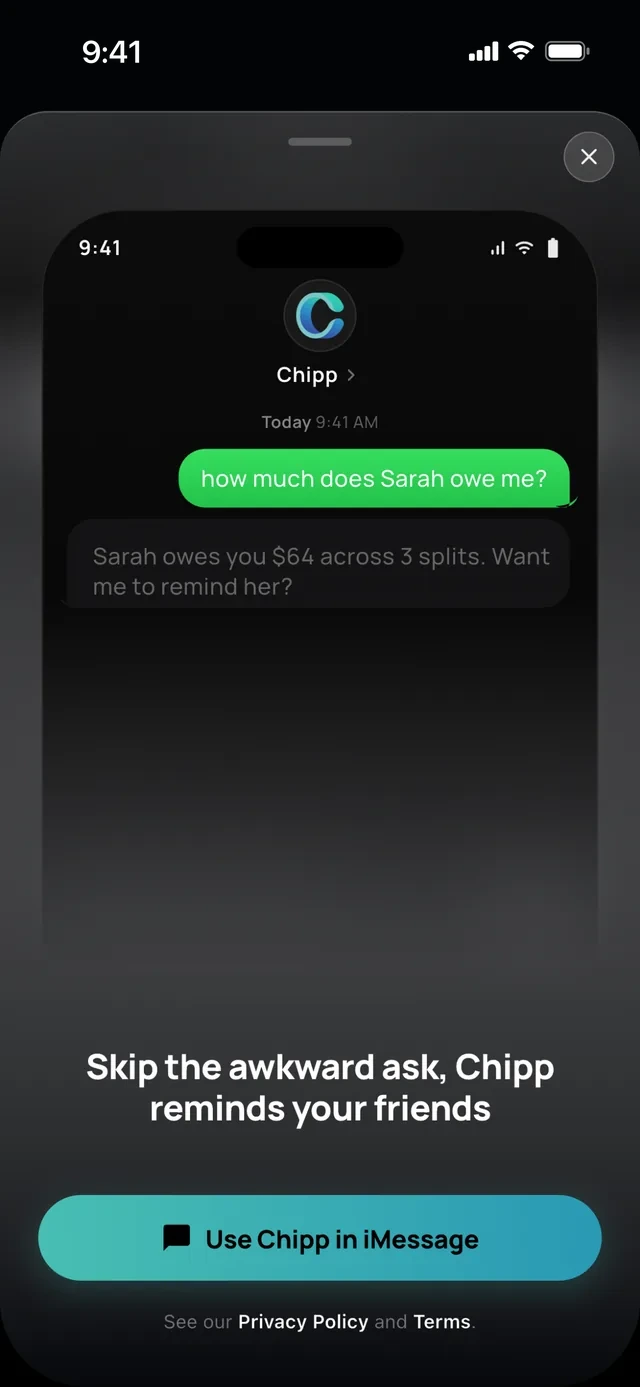
- 1Text it like a friend
- 2Chipp answers, and offers to remind
Actions
It does the work too.
Chipp drafts the expense, creates the group, pulls a trip's charges from your card or lines up reminders. You confirm every step.
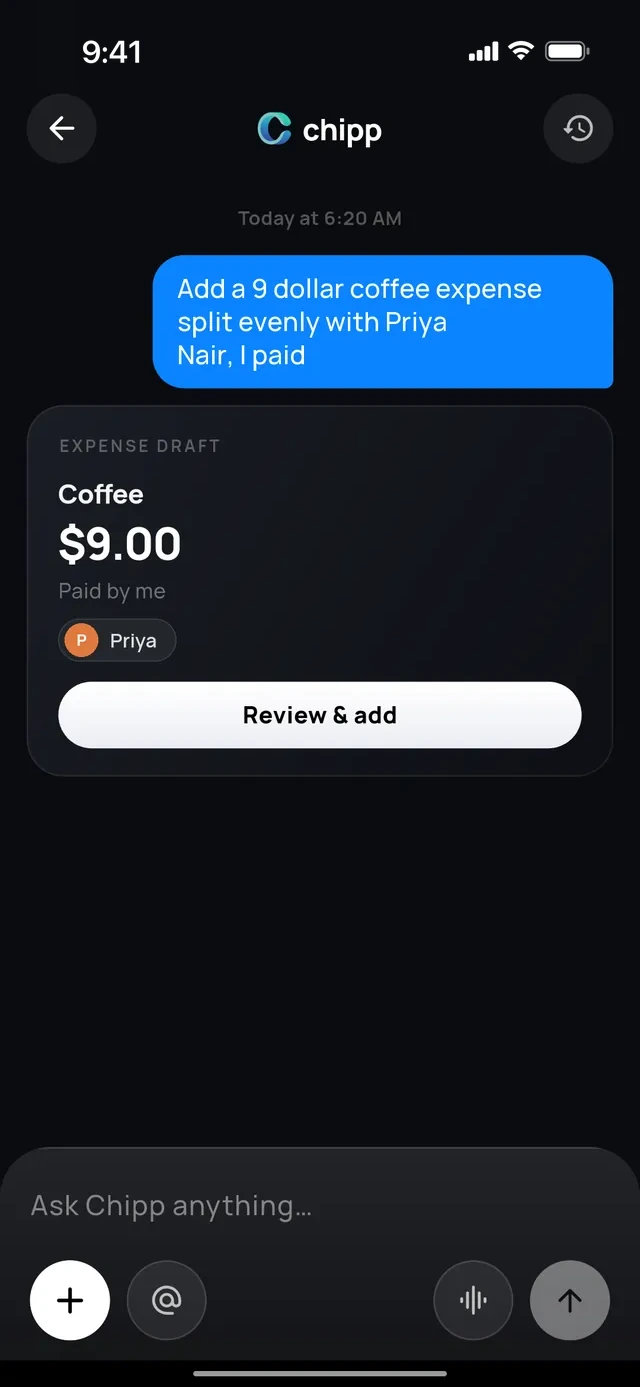
- 1One sentence
- 2Chipp writes the expense
- 3You confirm
Mentions
Mention anything with @.
Tag friends, groups, cards and bank accounts to pull them into your question.
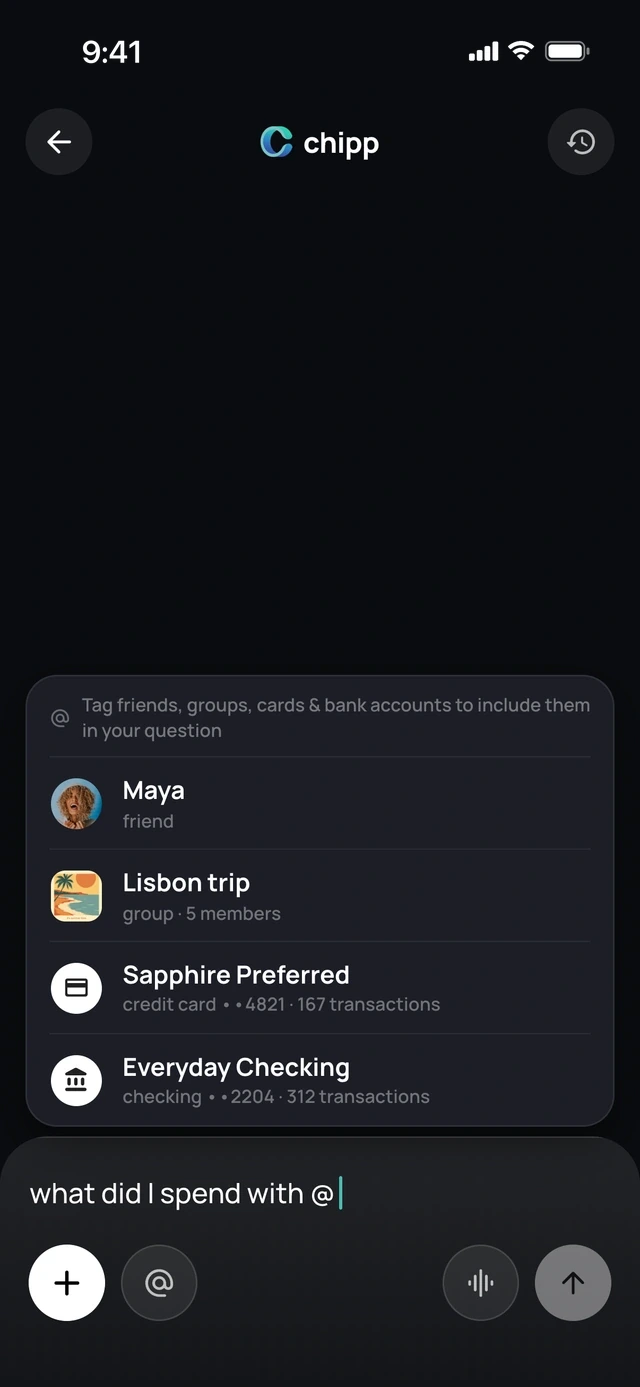
- 1Type @
- 2Pick a friend, group or card
Languages
Any language, typed or spoken.
Ask out loud or type, in the language you think in.
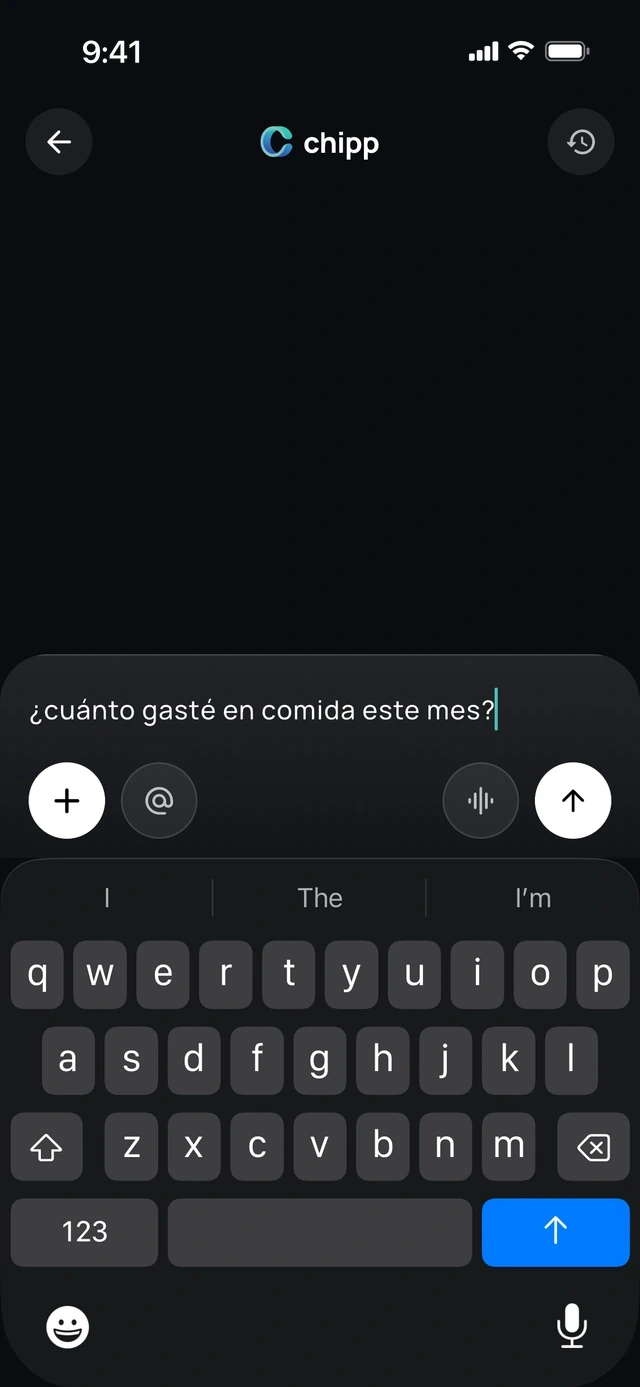
- 1Any language
- 2Typed or spoken
Texts from Chipp
Check-ins by text.
Chipp checks in on your money by text, at most once a day, so you don't have to ask.
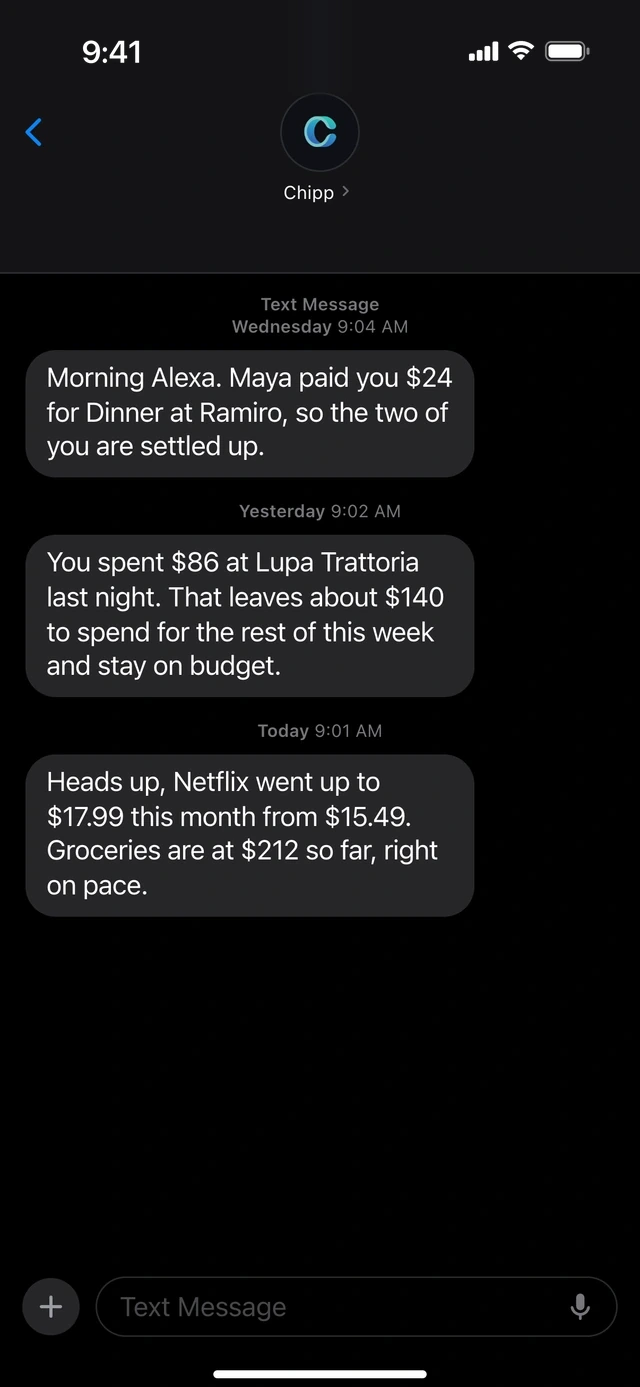
- 1Chipp texts you first
- 2A price went up? It tells you
3 of 6
Get paid back without the awkward ask.
Nudges
One tap reminds everyone.
Everyone who still owes you gets the nudge.
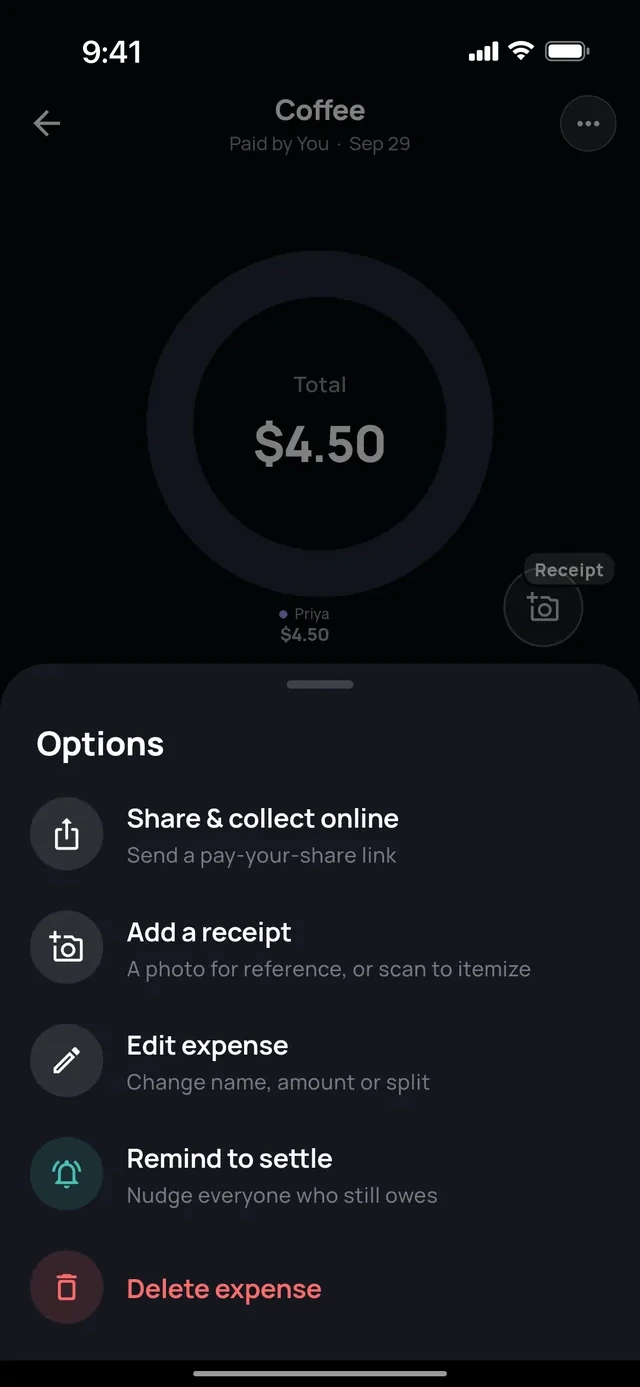
- 1Share a pay link
- 2Or remind everyone
Auto reminders
Reminders that send themselves.
When money has been owed for a few days, Chipp sends the nudge so you don't have to.
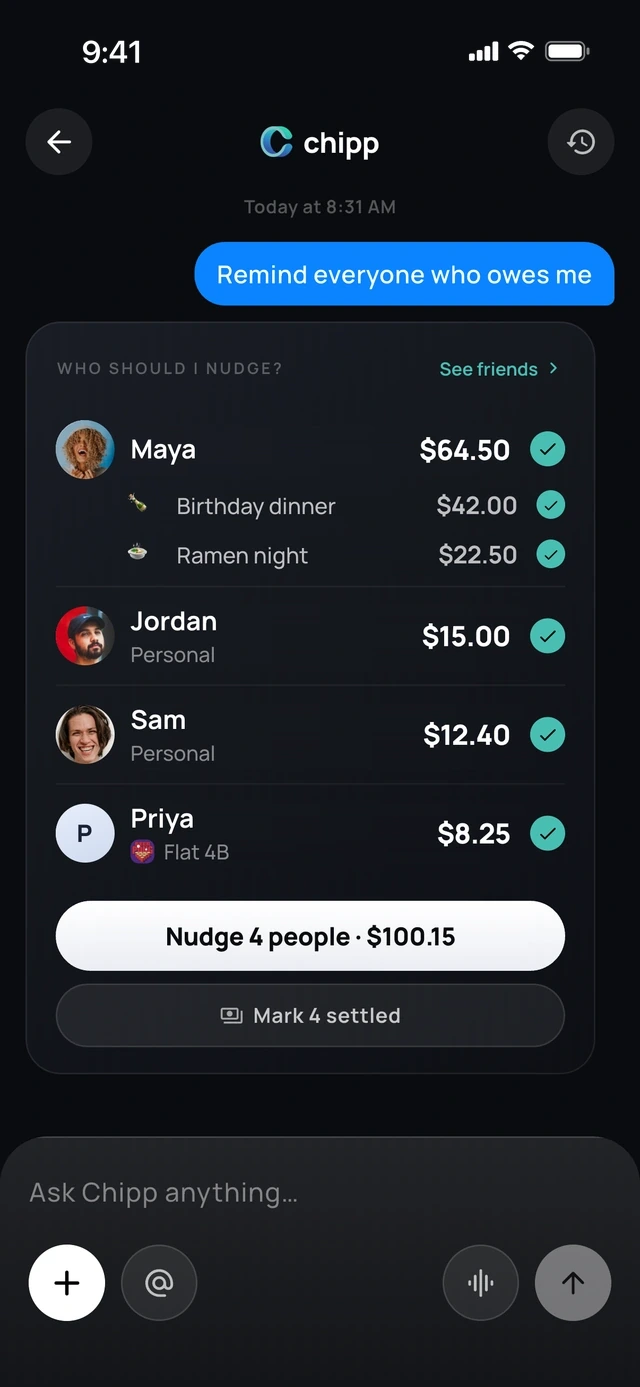
- 1Who owes, and for what
- 2One tap reminds all four
Who owes what
See who has paid, live.
Every expense shows who has paid and who still owes.
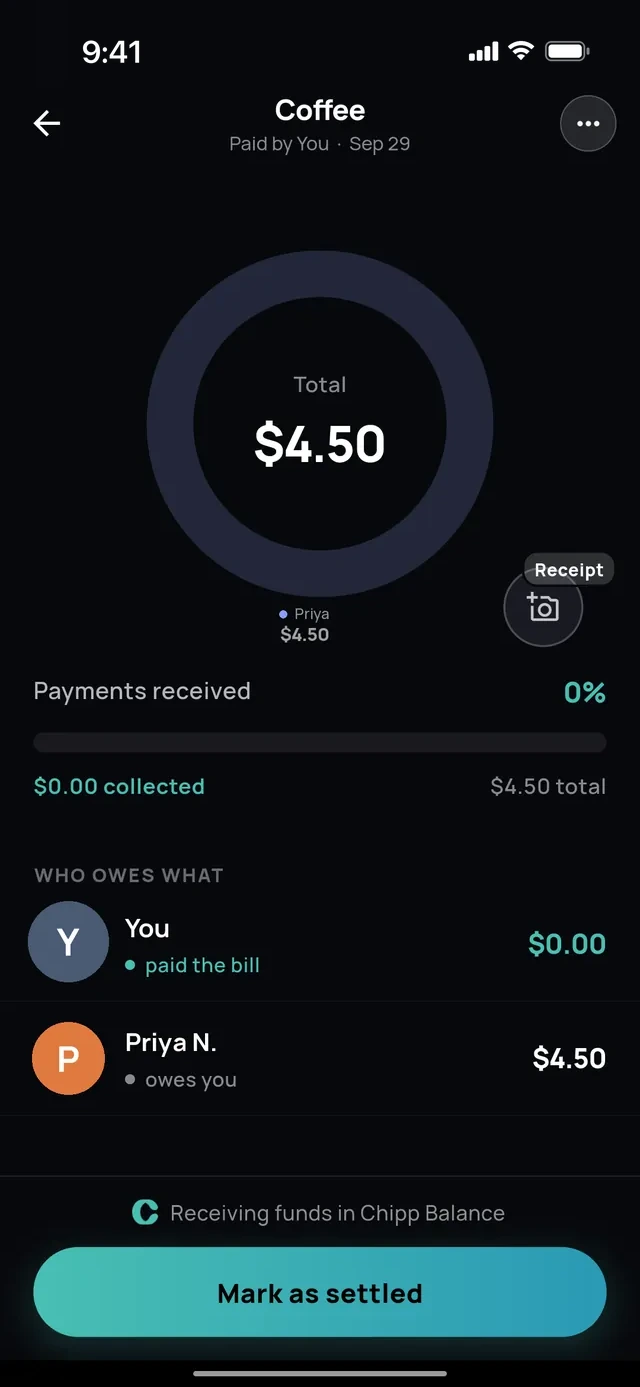
- 1Who has paid
- 2Who still owes
Settle up
Pay everyone back in one swipe.
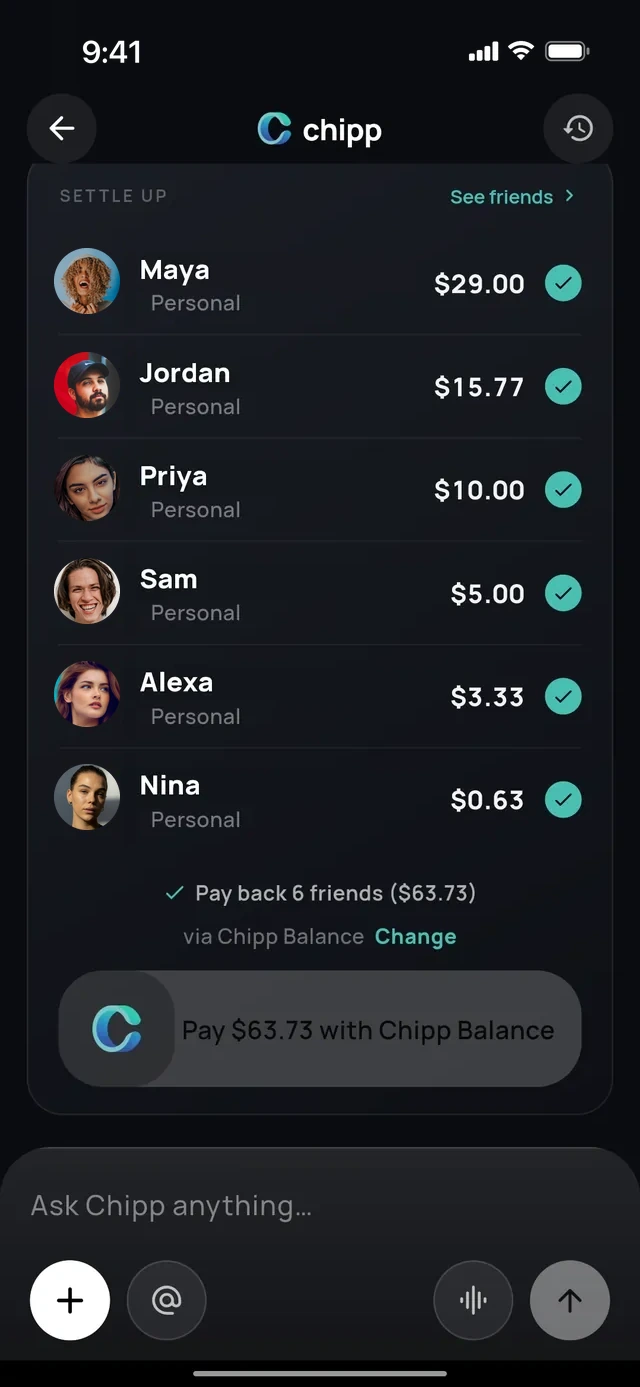
- 1Everyone you owe
- 2One swipe pays them all
No app needed
Share a link or QR code.
Friends claim their items and pay from their browser.
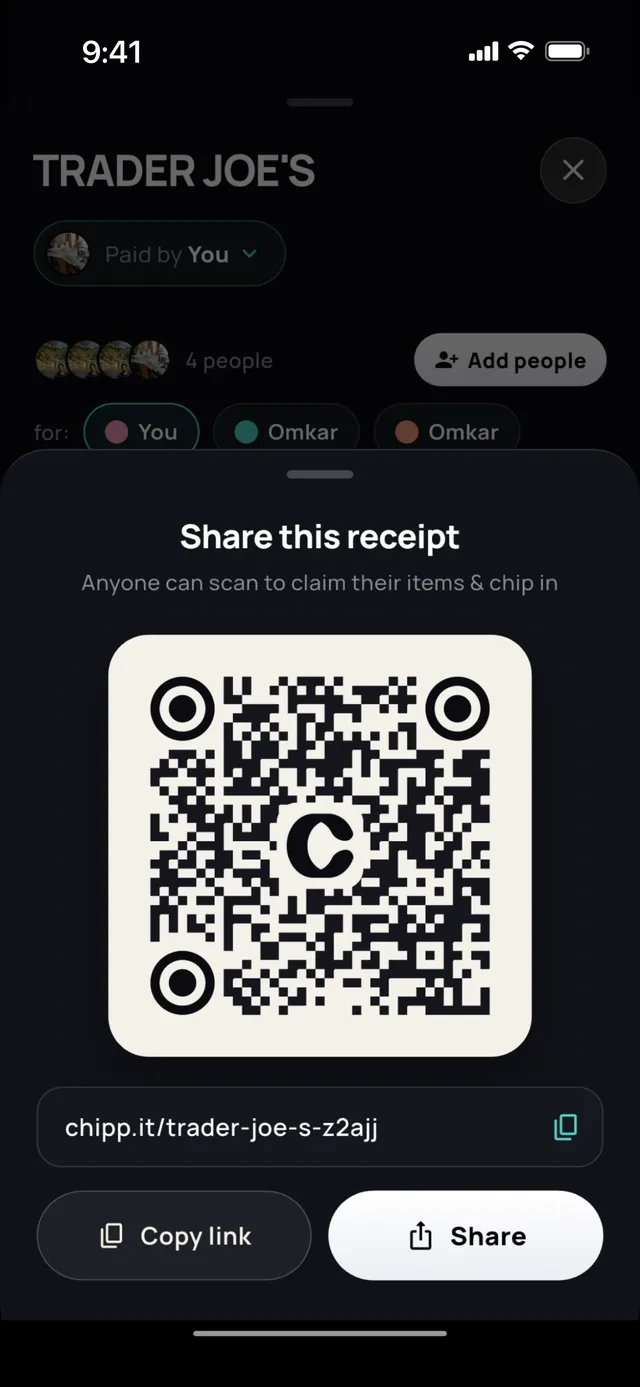
- 1Friends scan this
- 2Or send the link
Every way to pay
Settle any way you like.
Chipp supports the apps you already pay with.
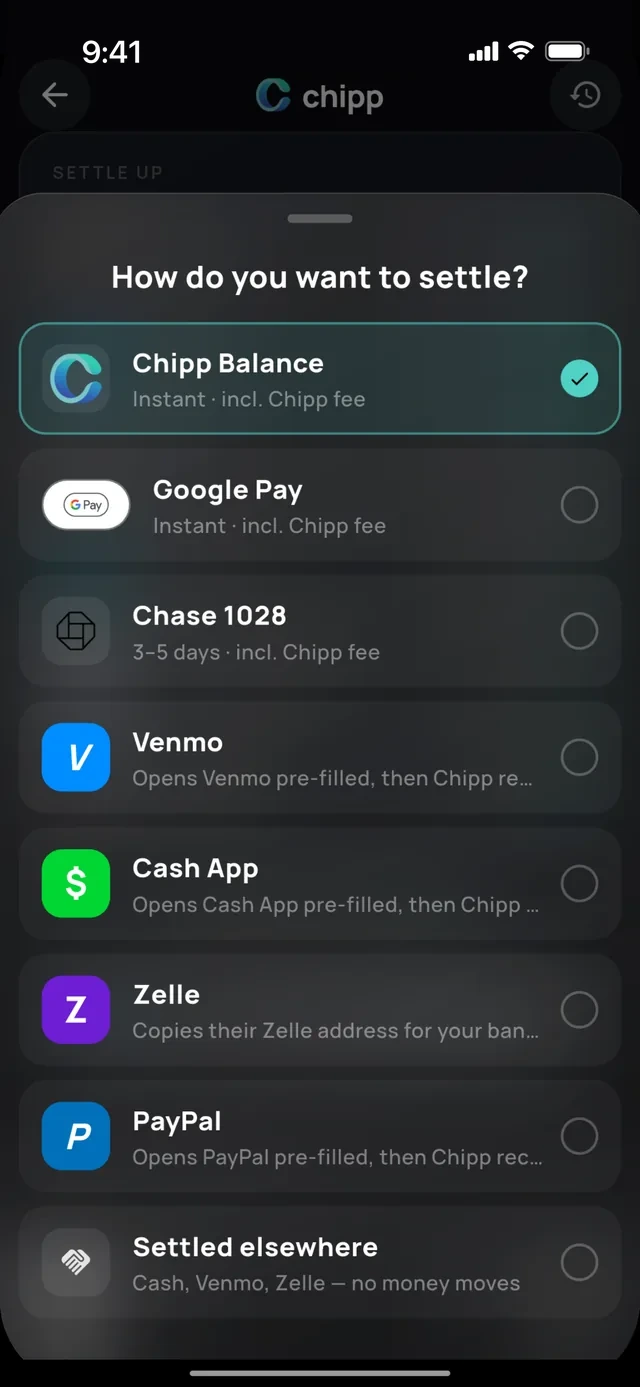
- 1Pay in the app
- 2Or the apps you already use
Cash and other apps
Settled elsewhere.
Paid in cash? Swipe to mark it settled and the balance clears.
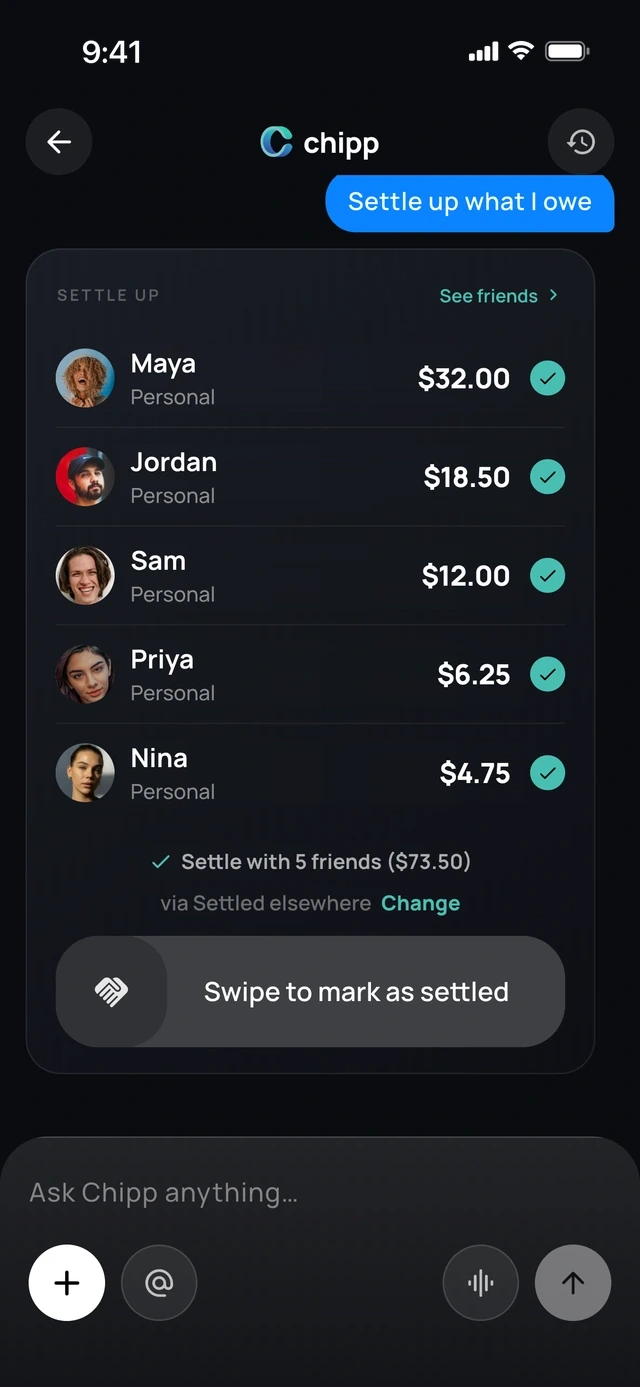
- 1Paid in cash?
- 2Swipe and it clears
Abroad
Local payment apps abroad.
UPI, Pix, PayNow, PromptPay, DuitNow, PayID and Interac, converted at the day's rate.
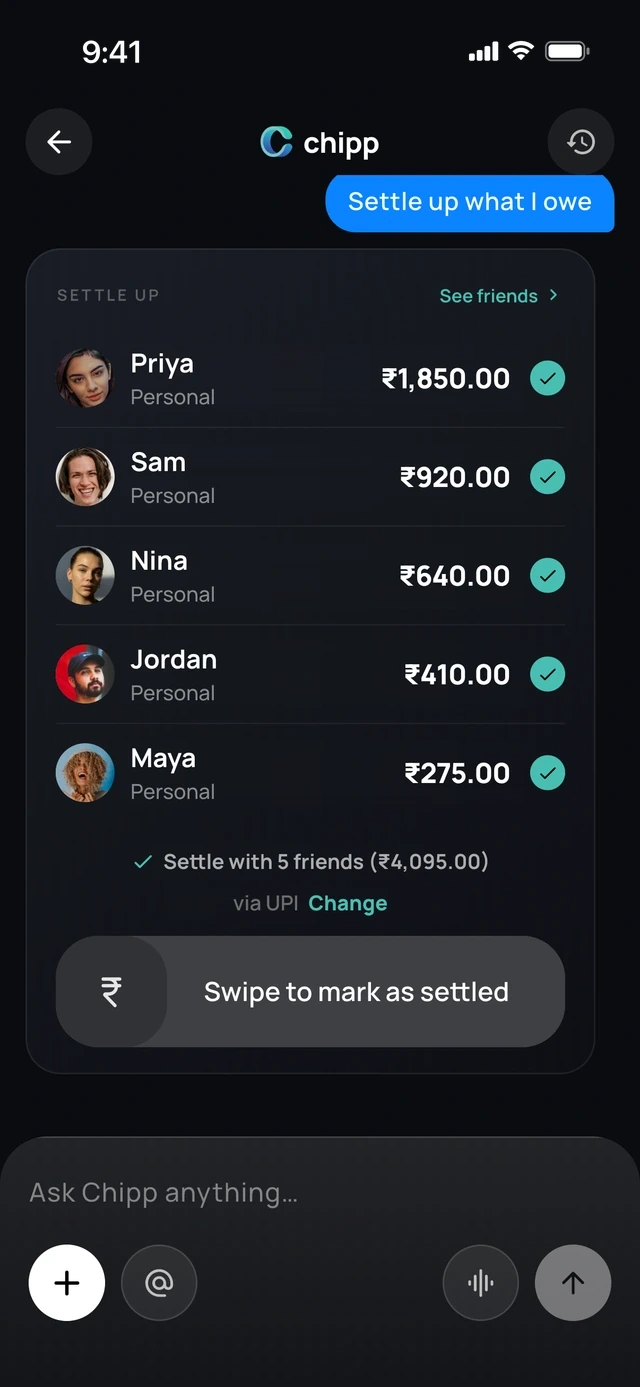
- 1In their currency
- 2Paid with a local app
4 of 6
Made for trips, roommates and couples.
Groups
One group for the trip or the house.
Or just the two of you.
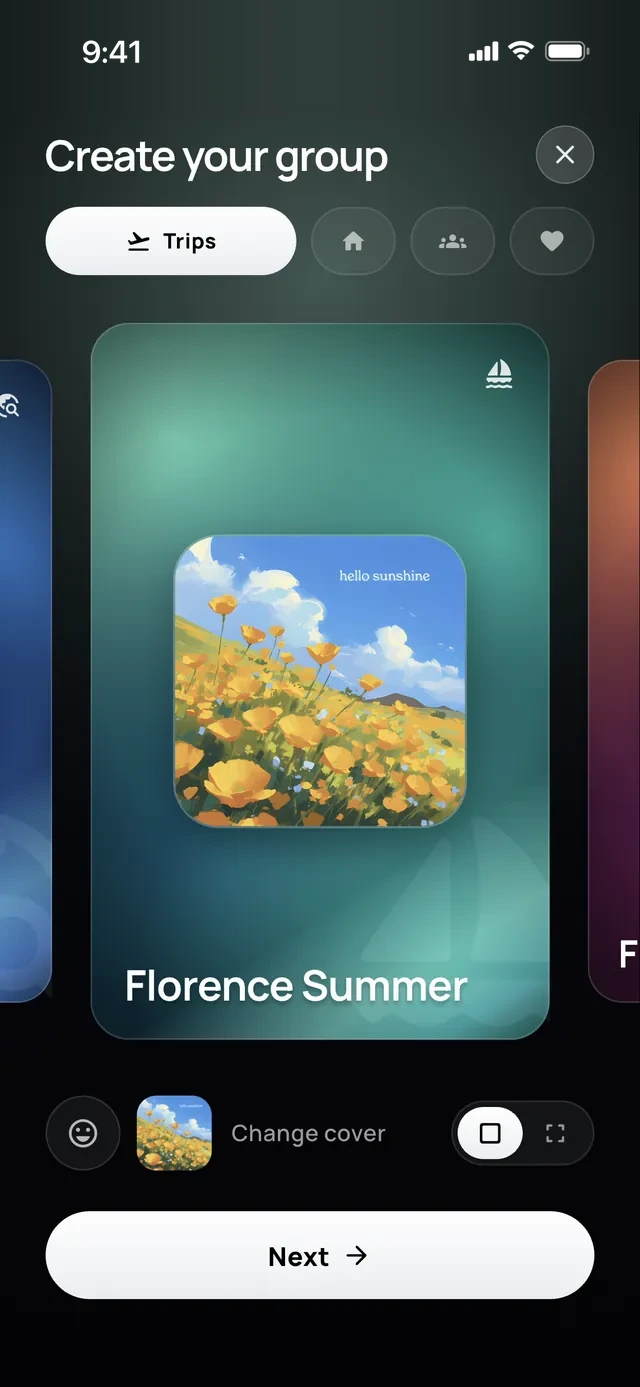
- 1Trip, home or couple
- 2Pick a cover
Pools
Chip in together toward one goal.
Anyone can add money, with or without the app.
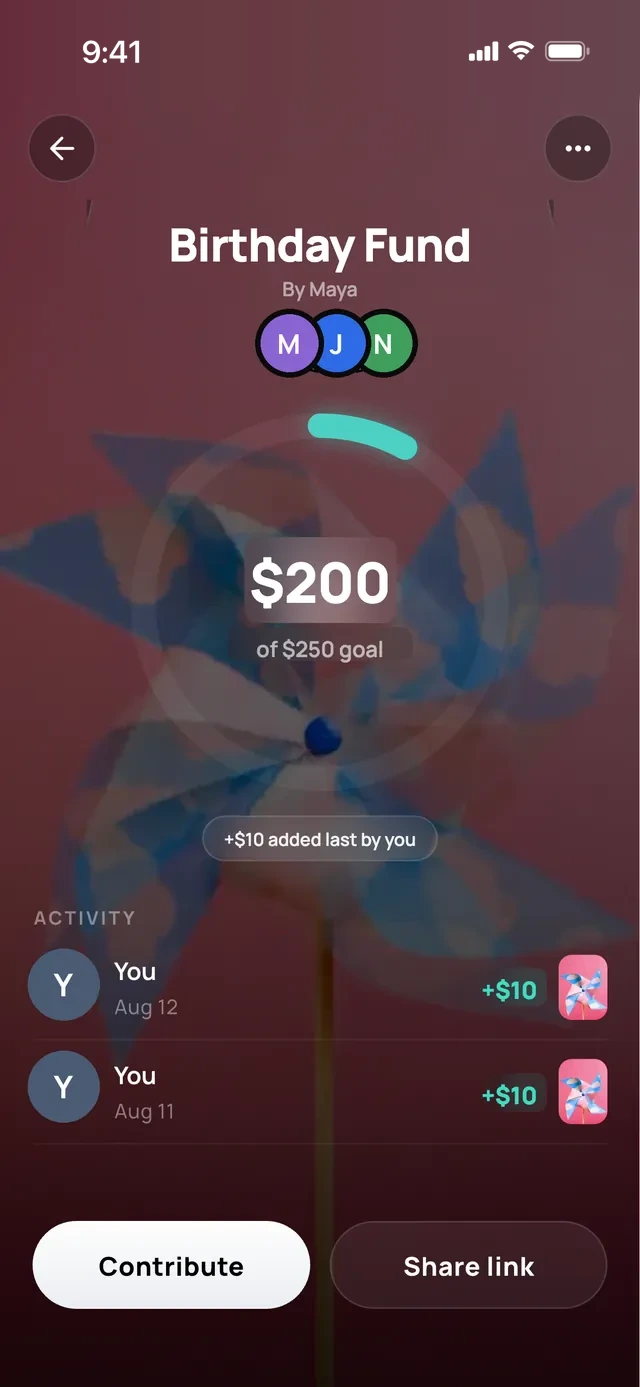
- 1Everyone sees the goal
- 2Chip in
Send money
Pay a friend, pick the vibe.
Choose the vibe it arrives with.
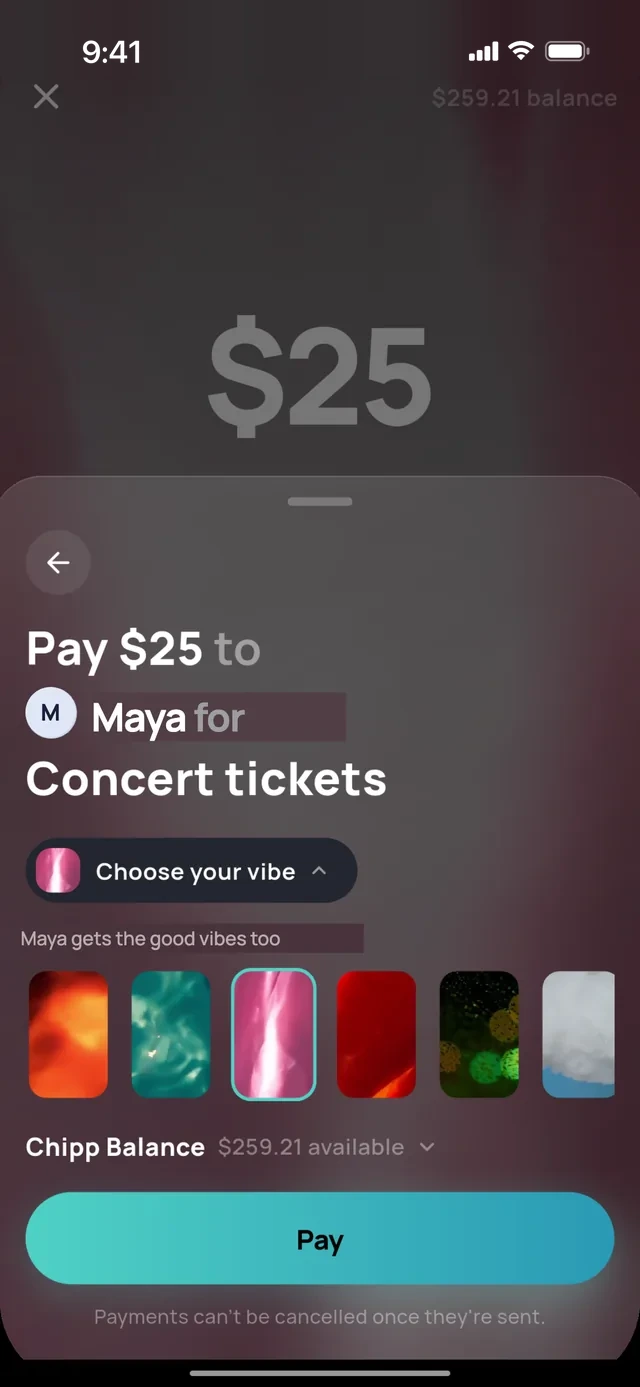
- 1Say what it is for
- 2Pick a vibe
One feed
Group chat.
Expenses, payments and reminders land in one feed, next to the conversation.
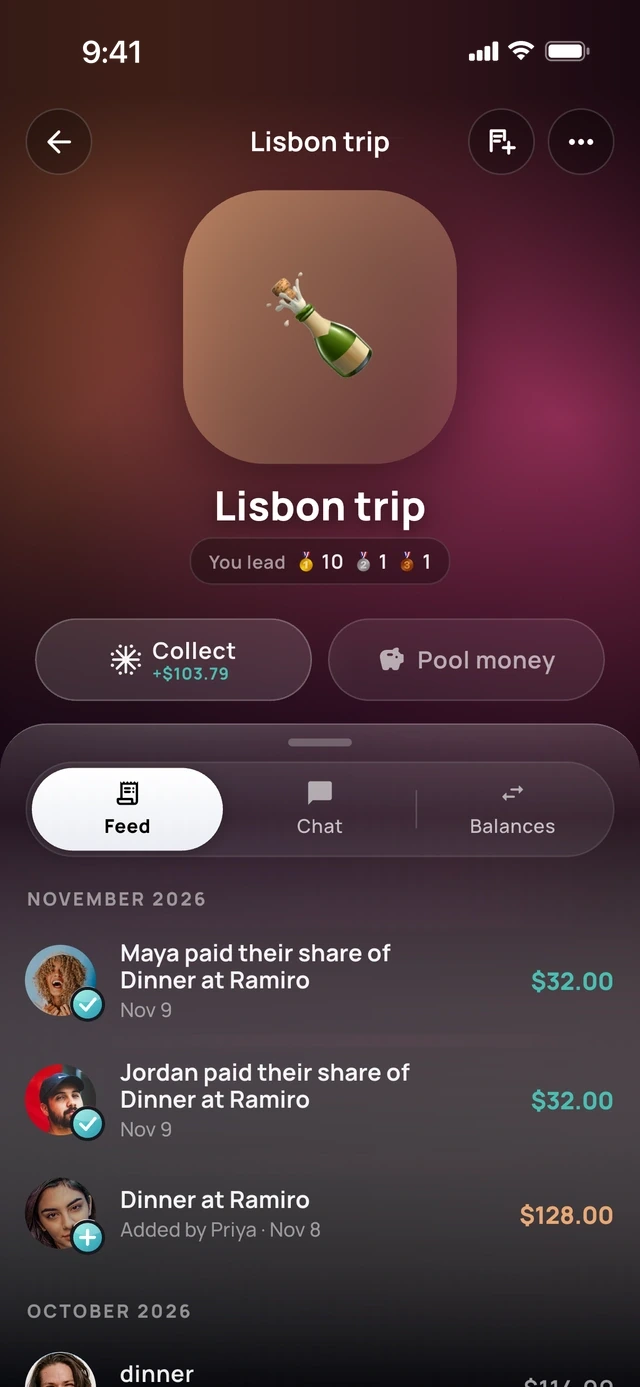
- 1Feed, chat and balances
- 2Payments land here
Switching over
Move from Splitwise.
Bring your groups and balances over from a screenshot or the export file.  Tricount and spreadsheets work too.
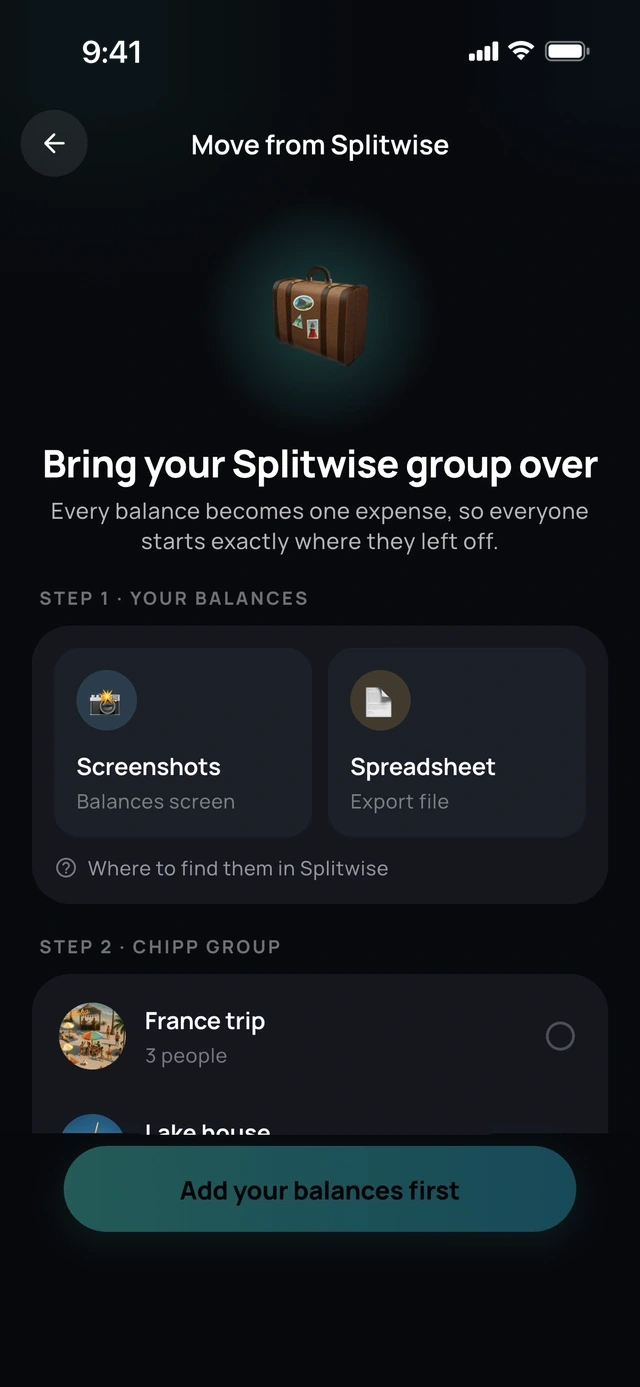
- 1From a screenshot
- 2Or the export file
Nearby
Friends nearby.
Chipp spots friends standing next to you, so adding them takes one tap.
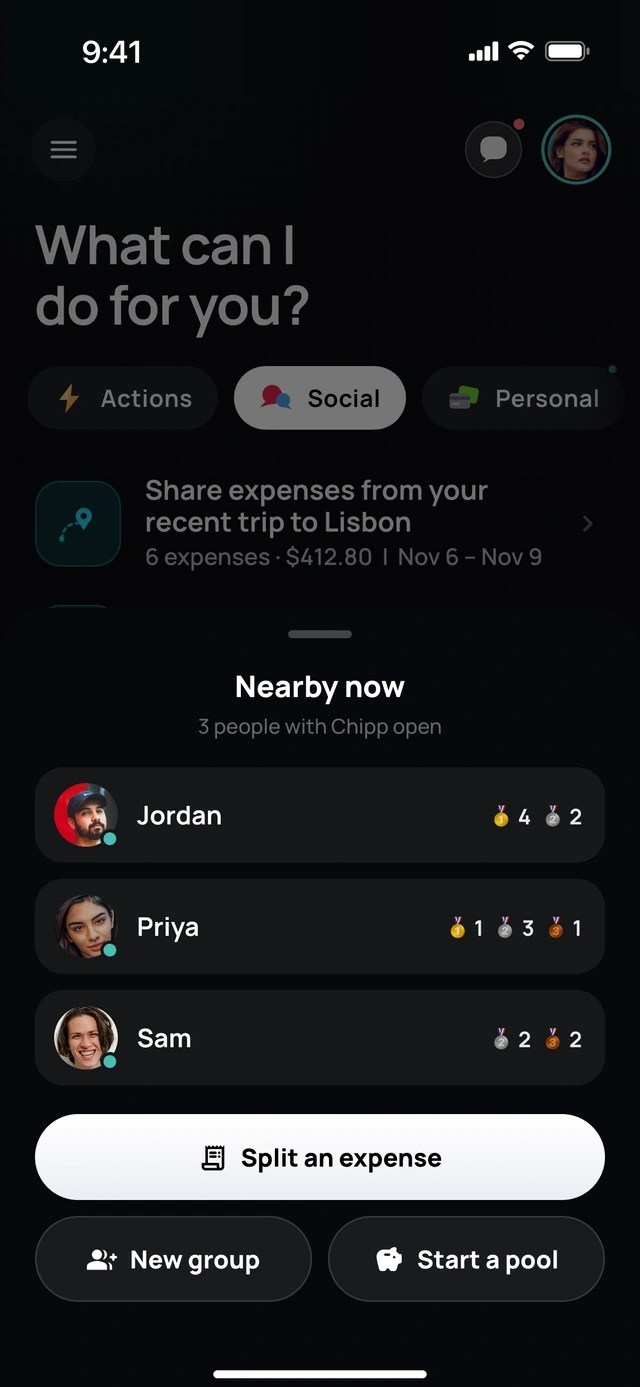
- 1Friends next to you
- 2One tap to split
Invites
Invite with a link.
Not on Chipp yet? They get an invite and a seat saved in the group.
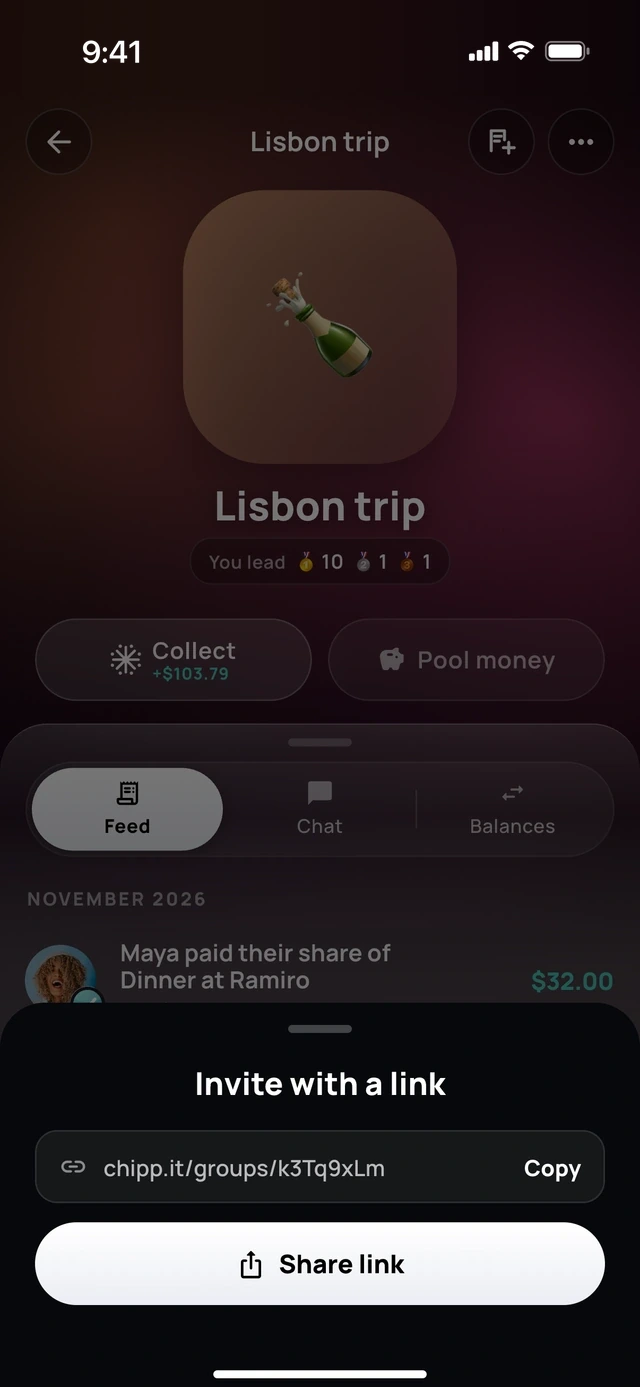
- 1A link to the group
- 2Send it anywhere
Make it yours
Covers and vibes.
Pick a cover for every trip, house and crew, and share the group card.
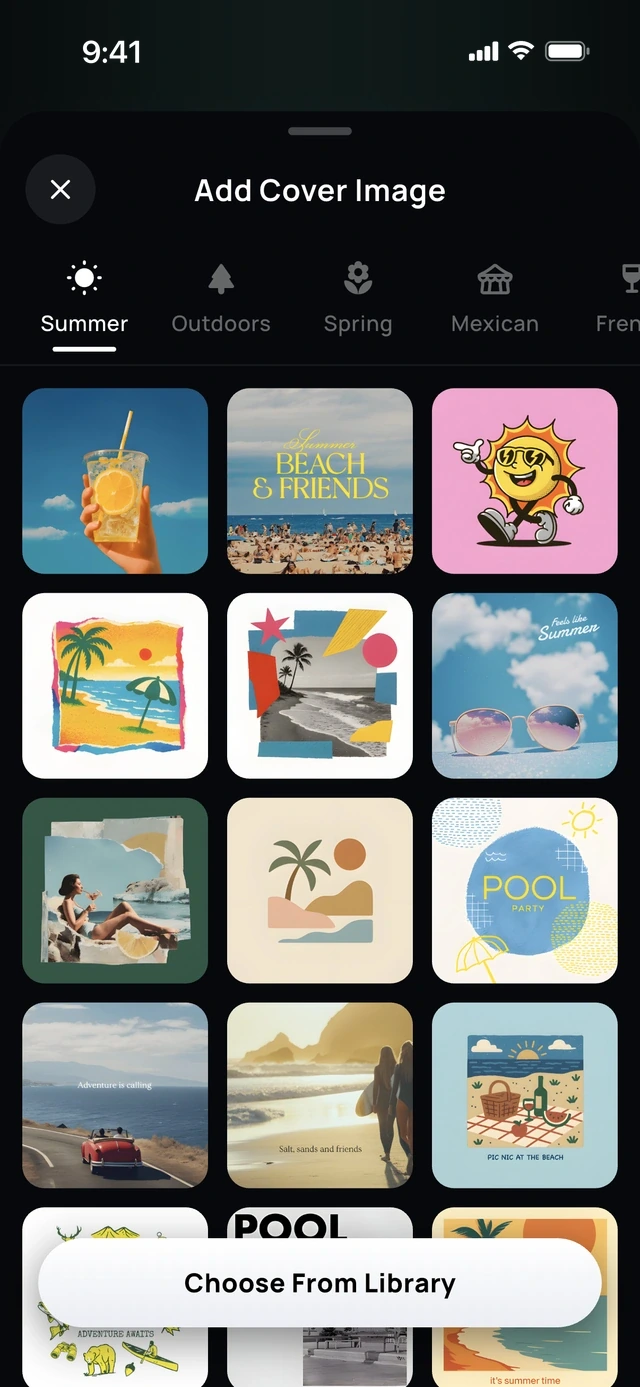
- 1For every kind of group
- 2Pick a cover
For everyone
Chipp+ Circle.
One subscription gives Chipp+ to everyone in the groups you own.
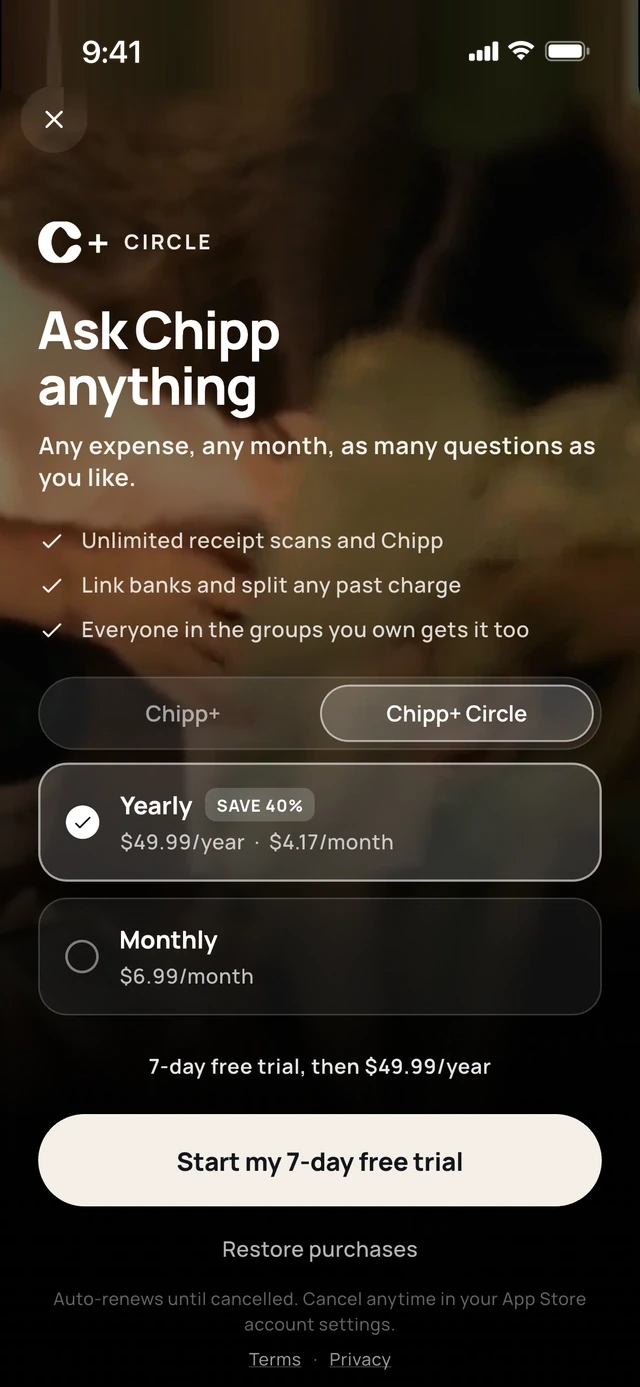
- 1Your groups get it too
- 2One plan covers everyone
5 of 6
Receipts and files, sorted.
Receipt library
Every receipt, saved.
Scanned receipts stay in a searchable library, ready to split or share.
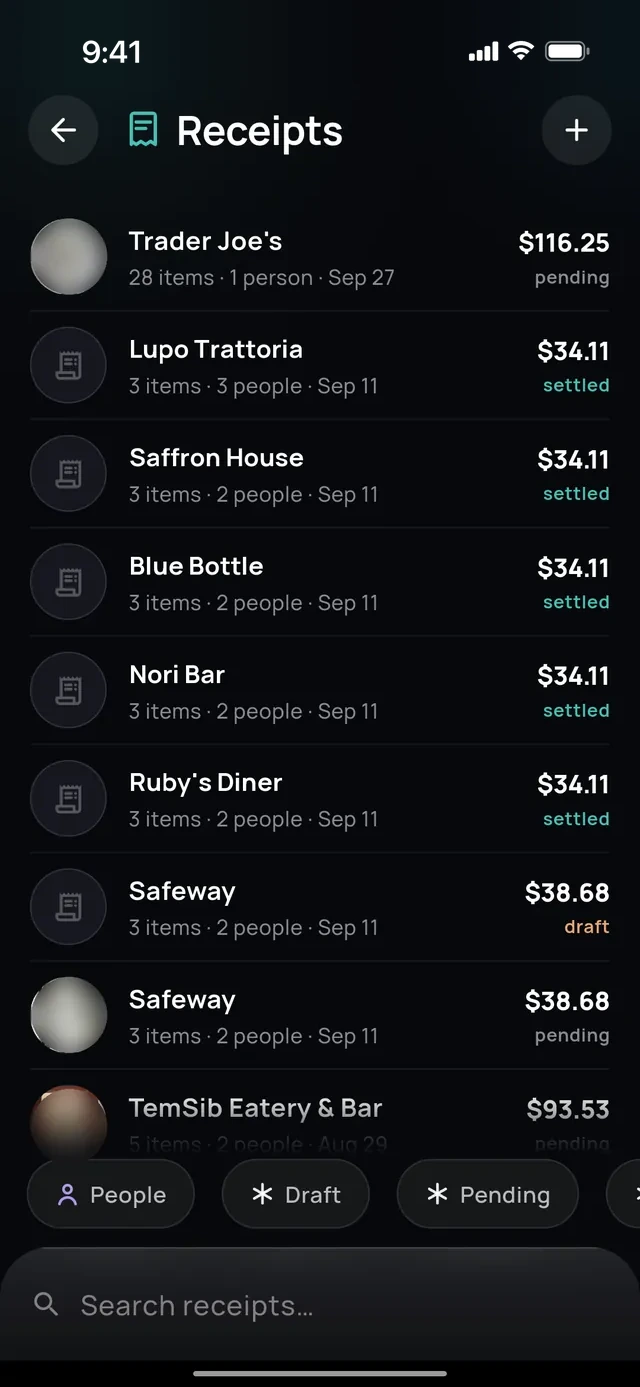
- 1Every receipt kept
- 2Search them all
Files
Photos, PDFs and spreadsheets.
Attach a file and tell Chipp what to do with it.
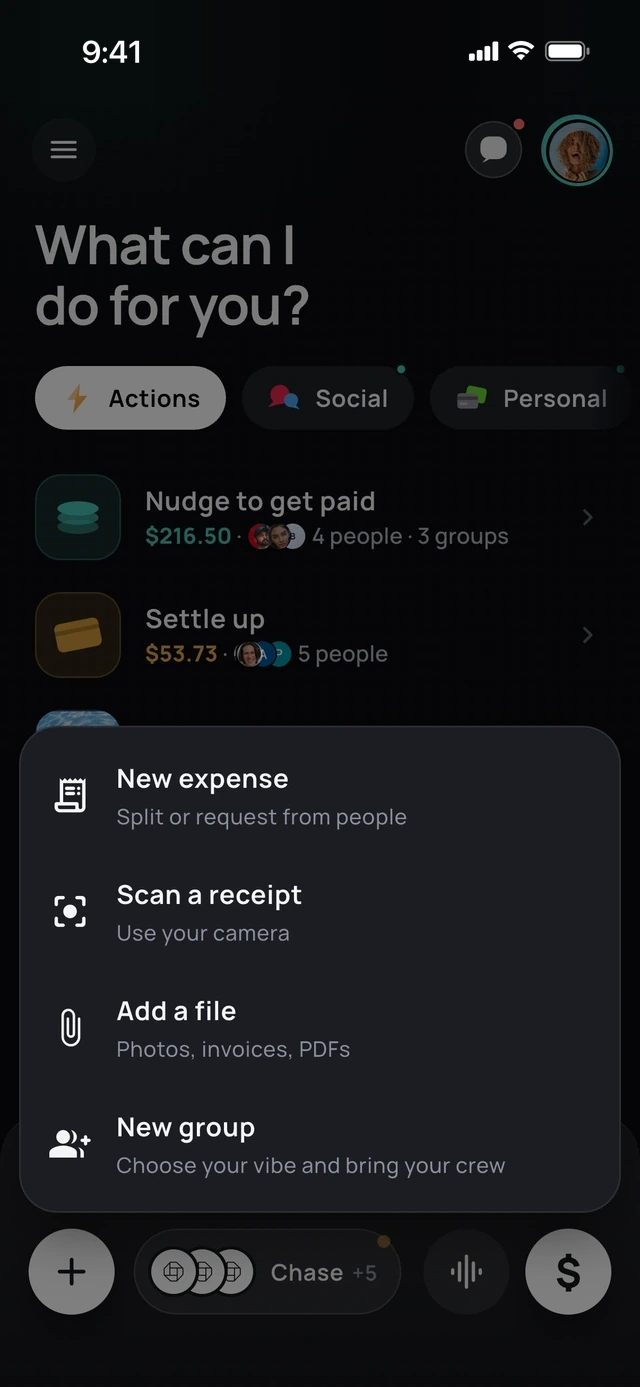
- 1Scan with the camera
- 2Or add photos and PDFs
Itemized by description
Describe who had what.
Say "Sarah had the yellow curry" and Chipp assigns the items for you.
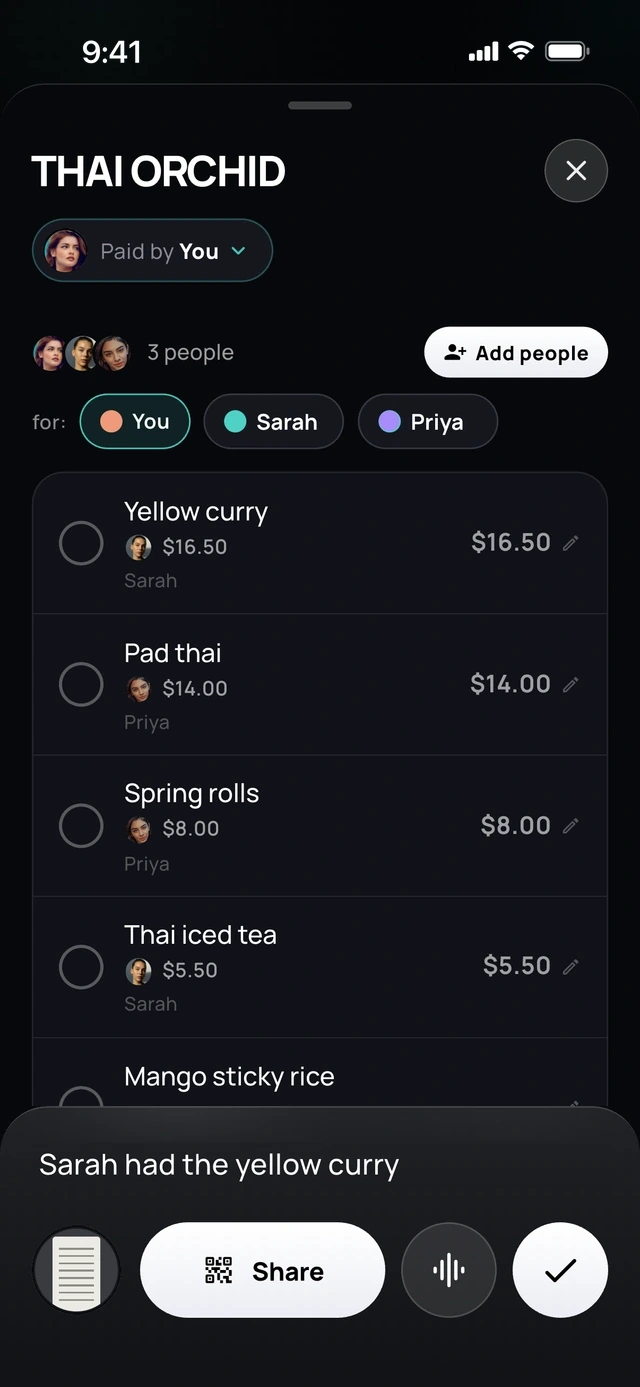
- 1Say who had what
- 2Chipp ticks the dish
6 of 6
Your own money, in the same app.
Budget
A budget you can actually hit.
Needs, wants and savings in one ring.
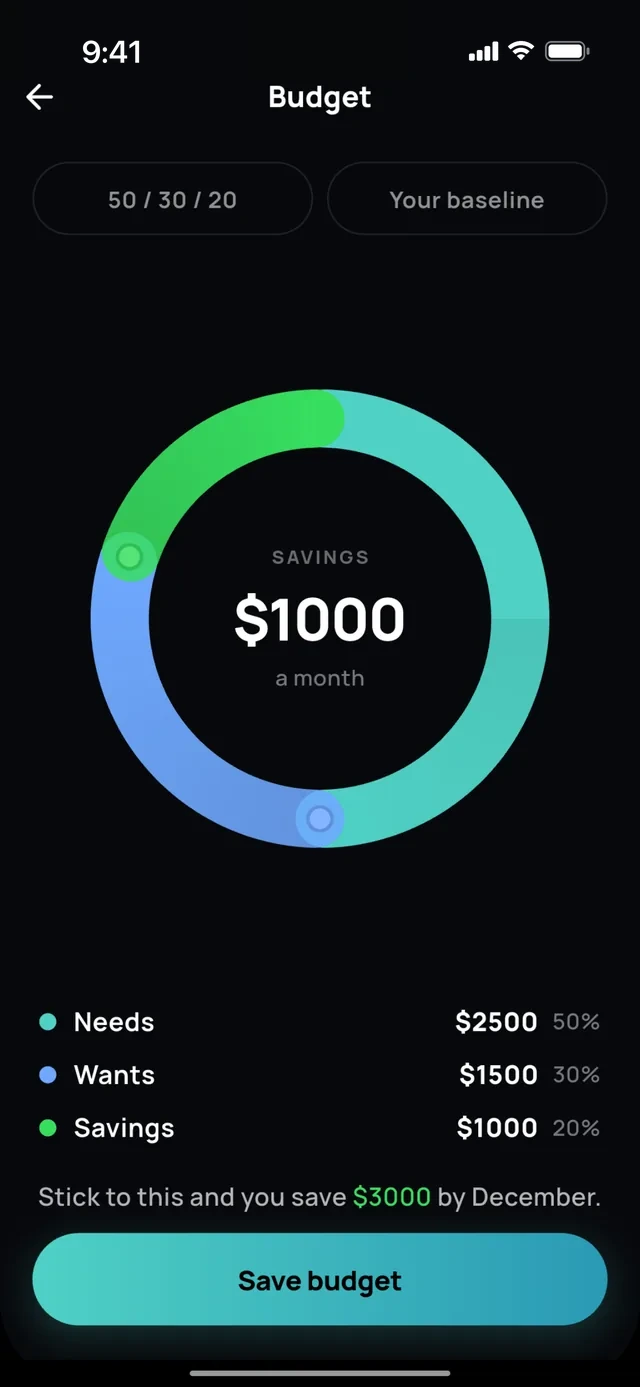
- 1Needs, wants, savings
- 2In one ring
Wallet
Keep a Chipp balance.
Pay friends instantly and send it to your bank.
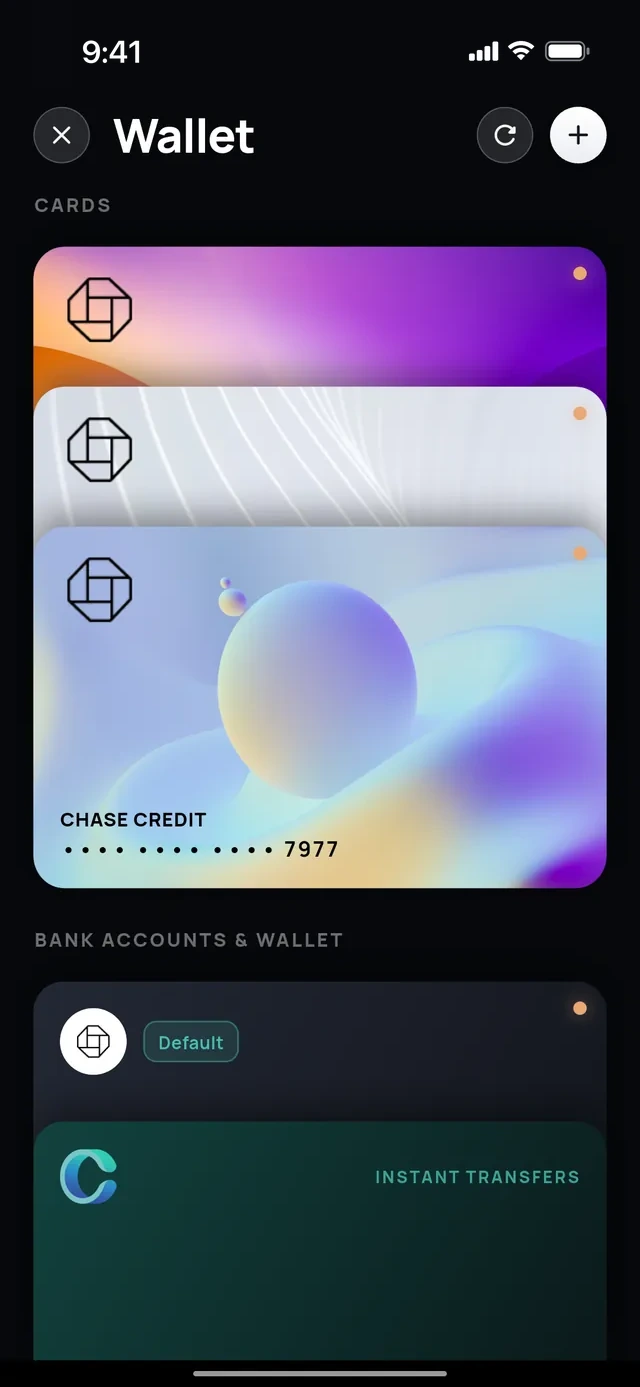
- 1Your cards
- 2Send it to your bank
Banks and cards
Every account in one feed.
Link US banks and cards through Plaid, then search, filter, rename or hide any transaction.
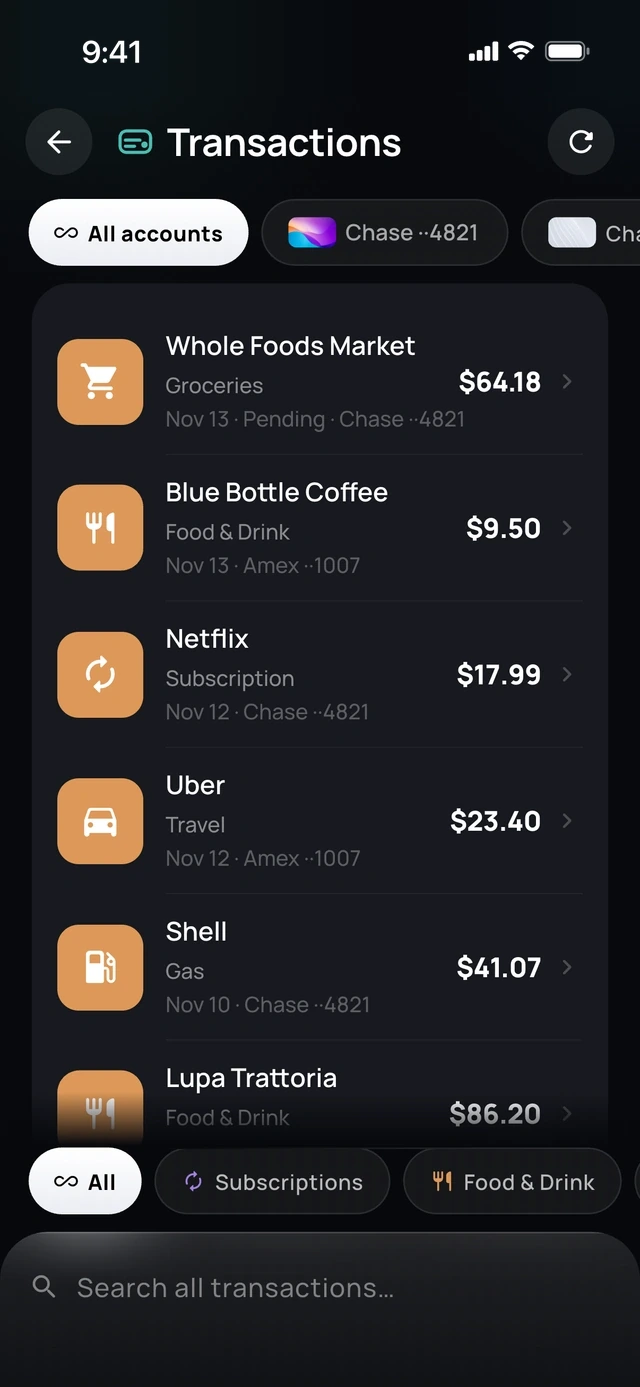
- 1All accounts, one feed
- 2Search everything
Trips
Trip detection.
Chipp notices a trip in your transactions and offers to split it.
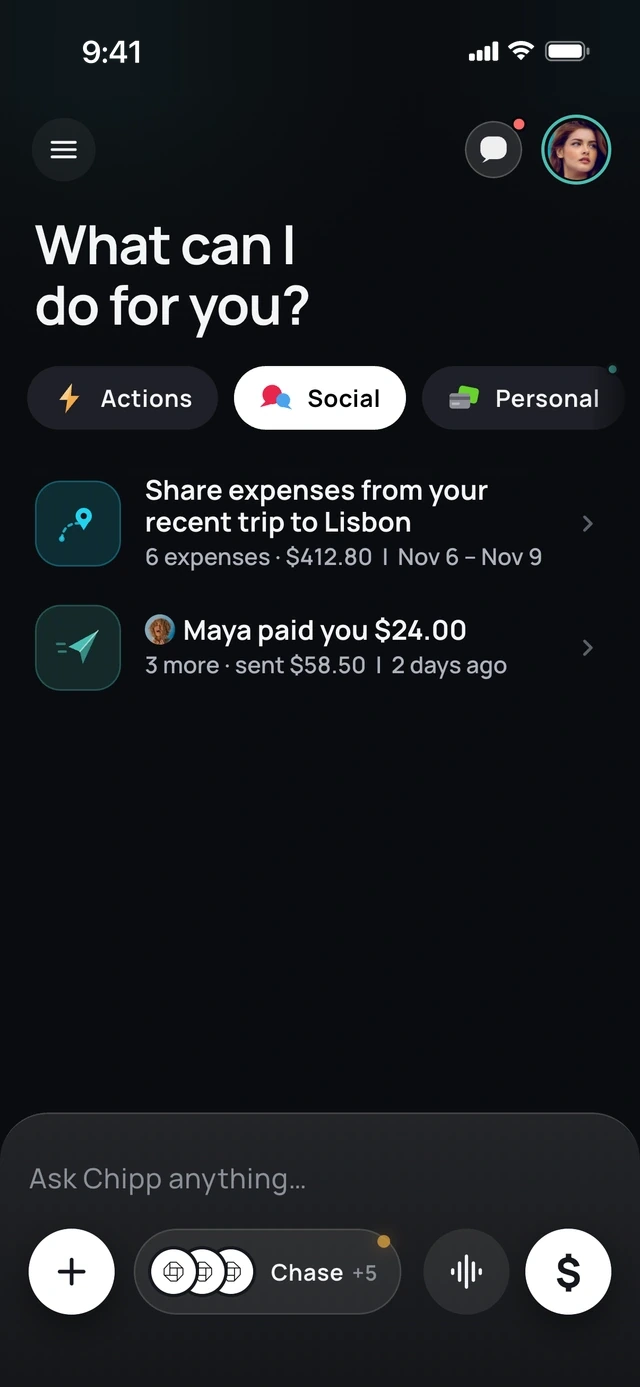
- 1Chipp spotted your trip
- 2And who paid you back
Explore
Spending explorer.
Tap through where the month went, category by category.
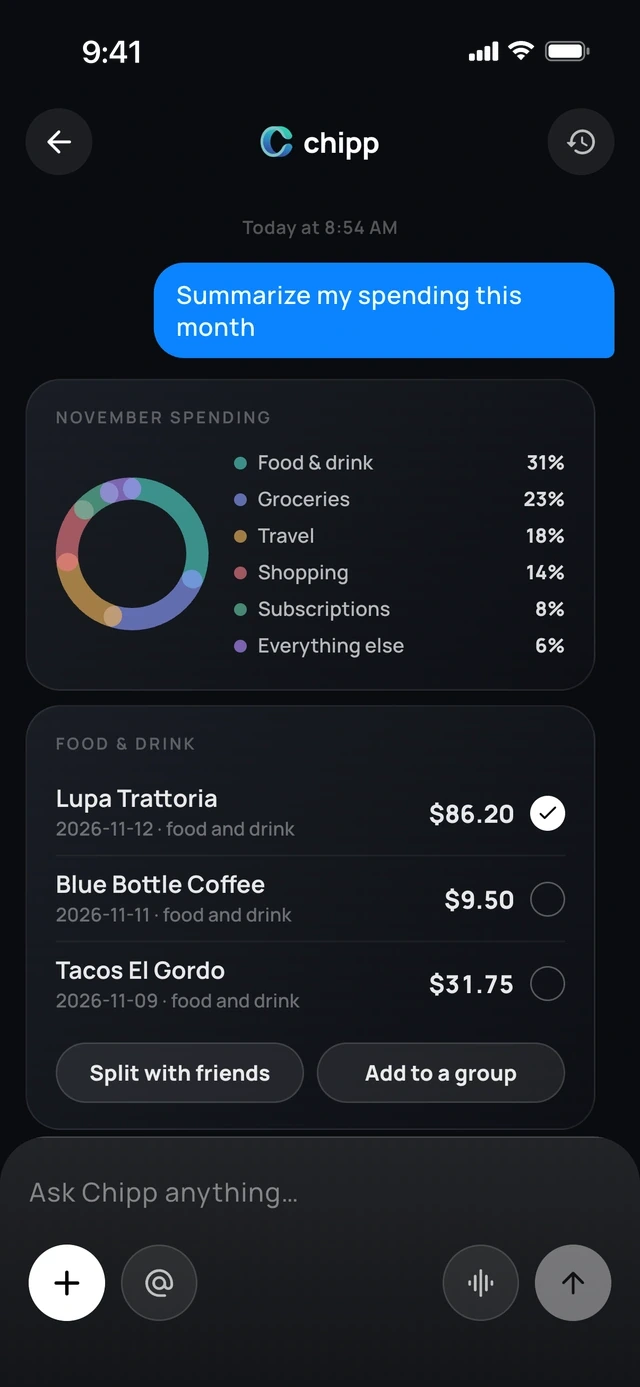
- 1Where the month went
- 2Split any of it
Each month
Monthly look-back.
Planned versus actual, and what you saved.
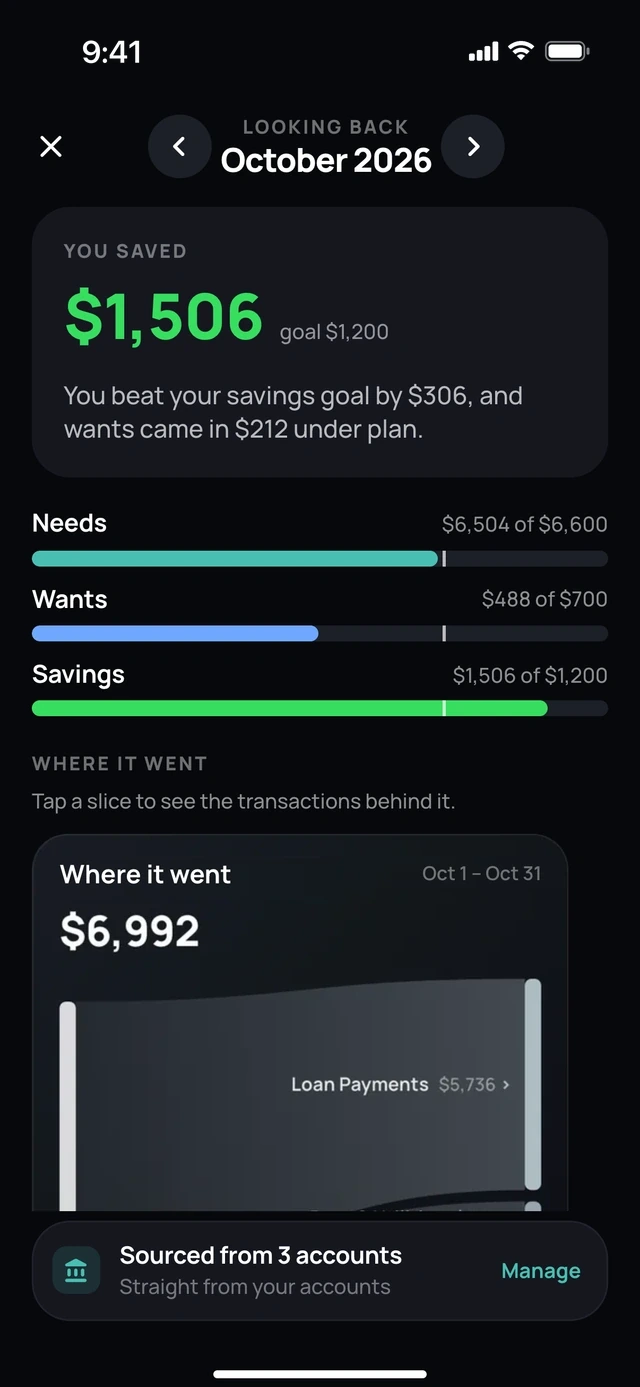
- 1What you saved
- 2Planned against actual
Subscriptions
Subscriptions and savings.
Ask what renews this month, what went up in price or how much you saved last month.
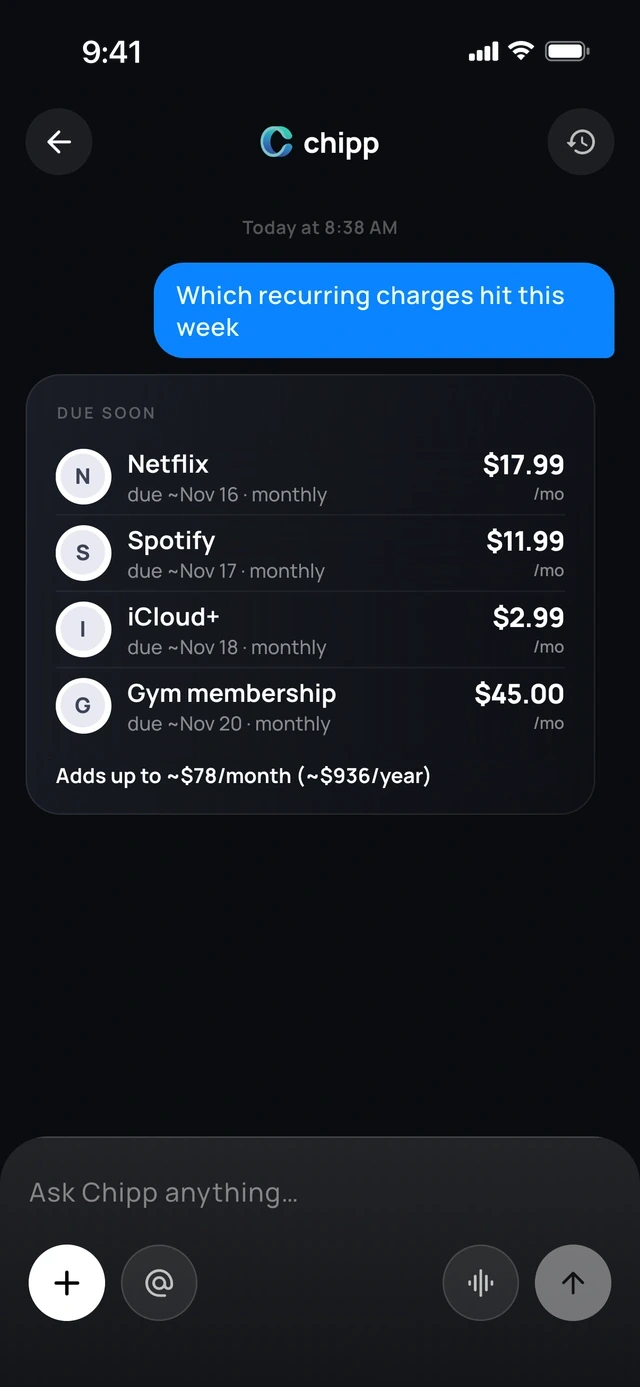
- 1What renews this week
- 2And what it adds up to
On your terms
Budget check-ins.
Daily, weekly or only when you go over. You choose.
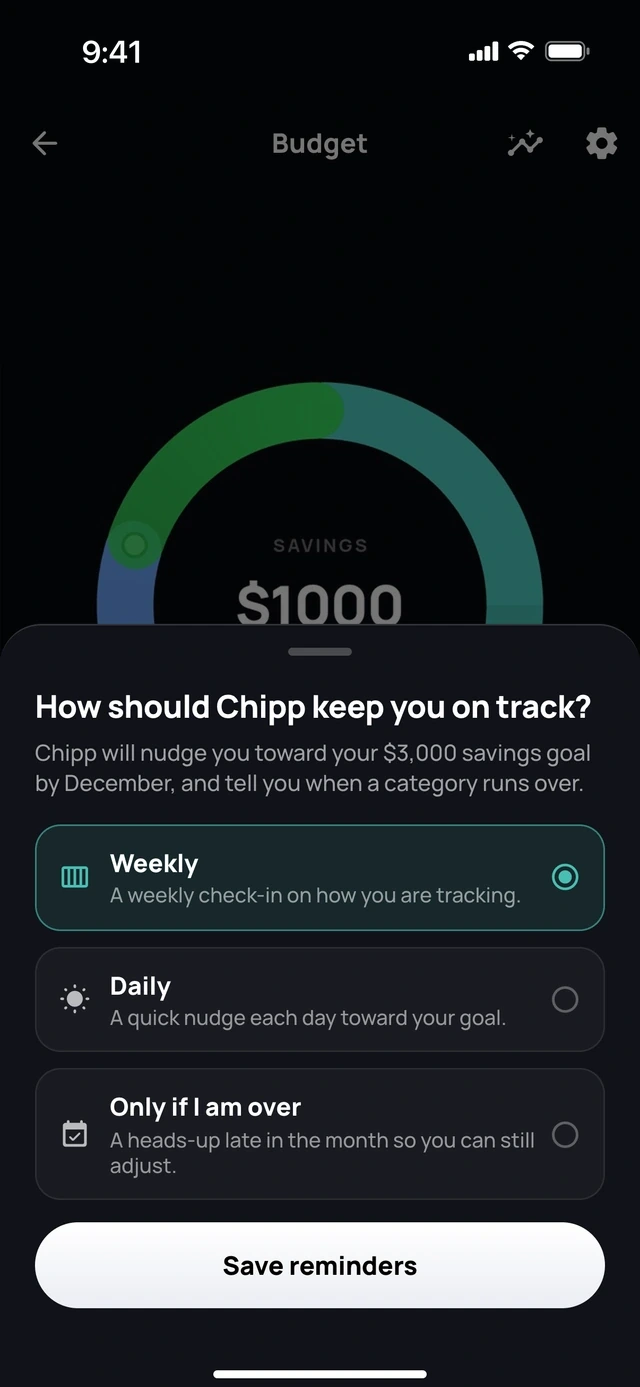
- 1Weekly or daily
- 2Or only when you go over
Private
App Lock.
Face ID or fingerprint before anyone sees your money.
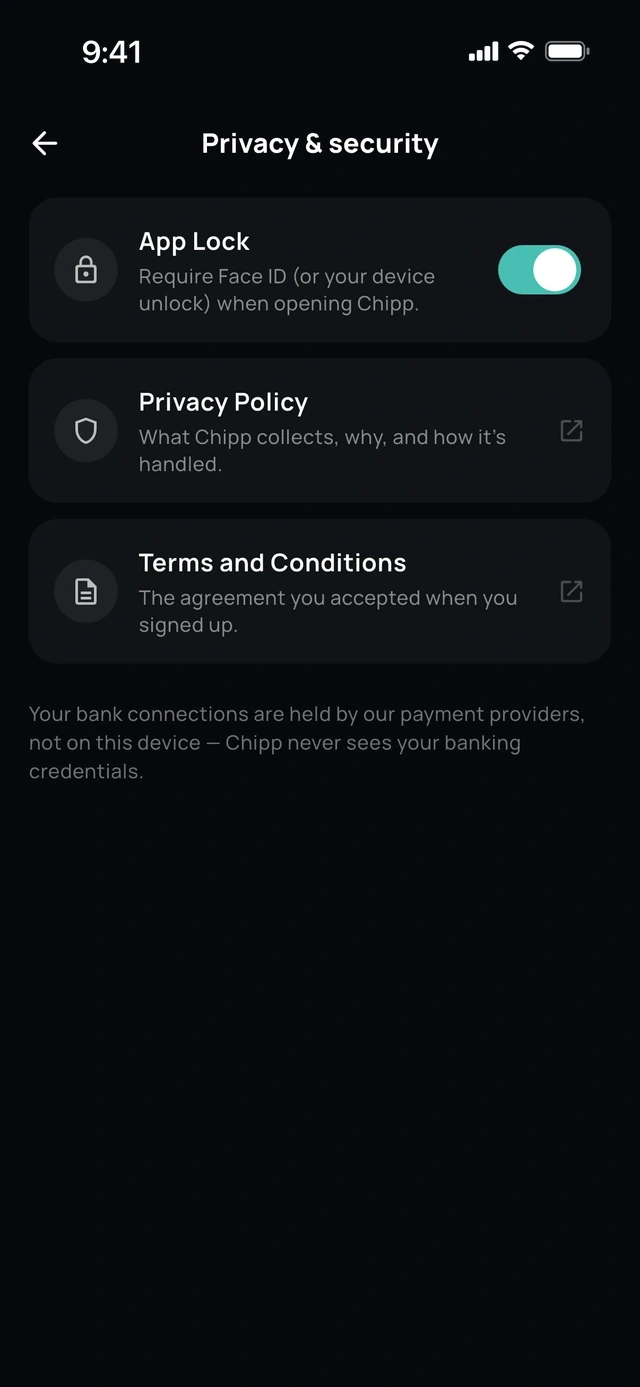
- 1Face ID or fingerprint
Support
Help, built in.
Ask how to do anything in Chipp, or talk to a person.
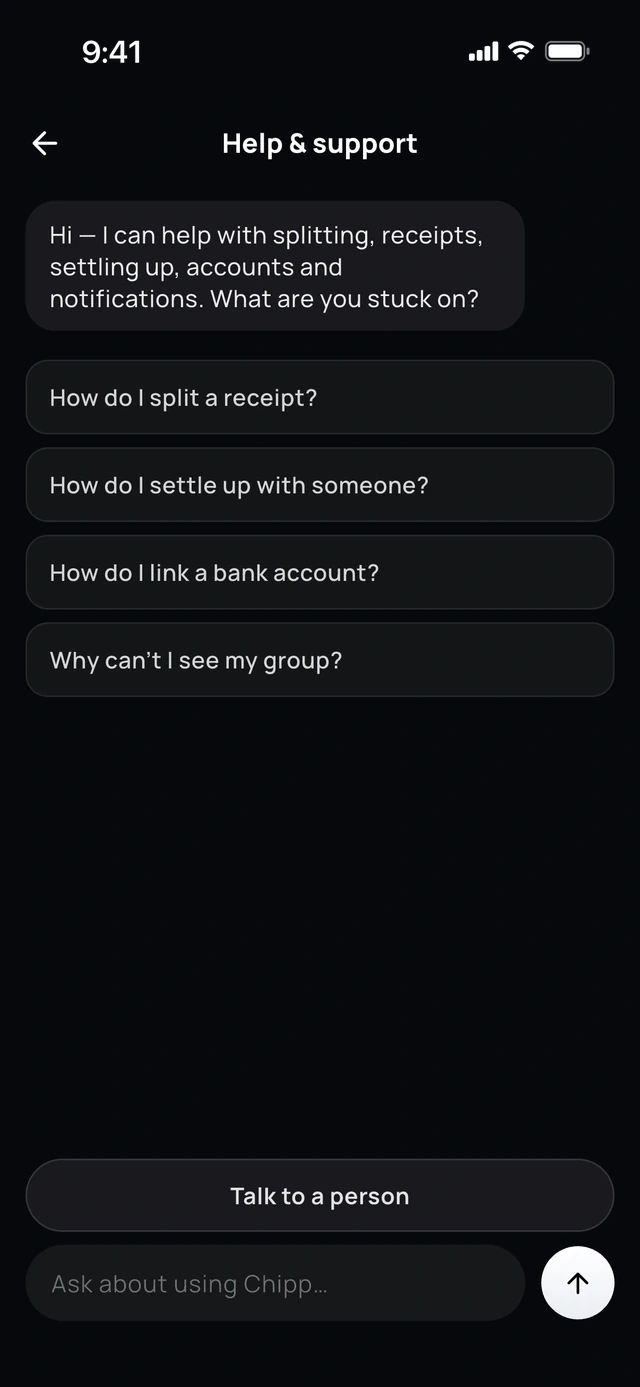
- 1Ask how to do anything
- 2Or talk to a person
Questions people ask
How do you split a cabin trip fairly?
Put what everyone uses into one pot and divide it by the number of people: the cabin, groceries and firewood. Keep gas with each car. For six people and $1,200 of shared costs, that is $200 each plus your share of fuel.
Should the people in the best bedroom pay more?
If the rooms are clearly uneven, a small premium agreed before anyone picks keeps it fair. On a $900 cabin, two people in the main bedroom at $180 each and four in bunks at $135 each adds up exactly.
How do we split gas for a cabin trip?
Each car divides its own fuel between the people riding in it. A $45 fill-up between three people is $15 each.
What if someone arrives a day late?
Split the cabin by nights stayed and keep the food split by the meals they were there for.